Microsoft shifts to WinUI 3 to reduce web app bloat
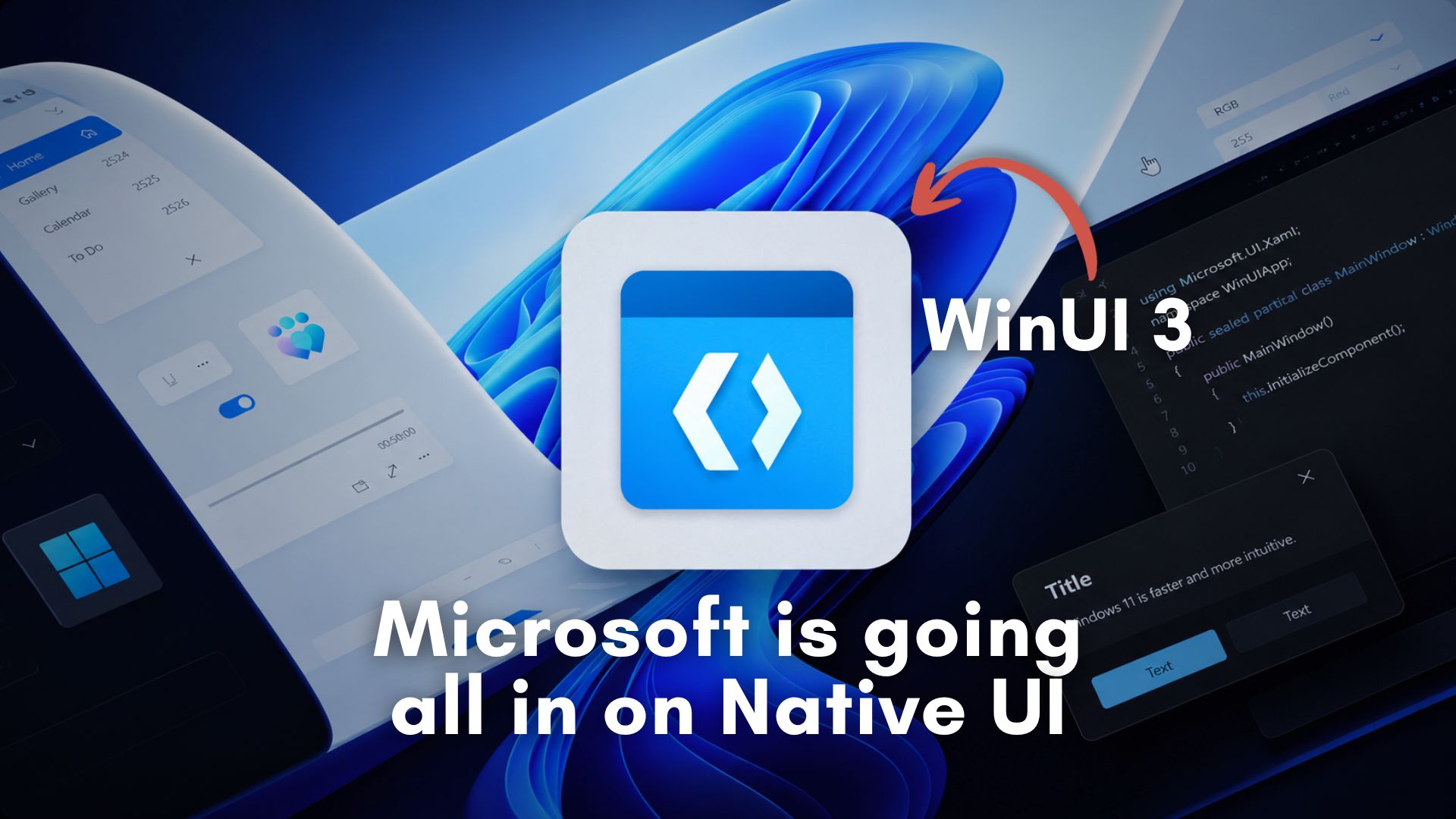
💡Major shift in Microsoft's UI strategy; impacts how developers build performant desktop applications for Windows.
⚡ 30-Second TL;DR
What Changed
Prioritizing native WinUI 3 over web-based wrappers
Why It Matters
This shift signals a potential decline in the dominance of Electron-based desktop apps, forcing developers to reconsider native performance for Windows-first applications.
What To Do Next
Evaluate your current Electron-based desktop app's resource footprint and prototype a migration path to WinUI 3 for Windows-specific performance gains.
Key Points
- •Prioritizing native WinUI 3 over web-based wrappers
- •Reducing reliance on Electron and WebView2
- •Focusing on improving system resource efficiency and UI responsiveness
🧠 Deep Insight
Web-grounded analysis with 21 cited sources.
🔑 Enhanced Key Takeaways
- •WinUI 3 is a core component of the Windows App SDK (formerly Project Reunion), which aims to unify Windows app development and decouple UI components from the operating system, making them available to a broader range of Windows applications.
- •Microsoft is actively optimizing WinUI 3 itself, with recent internal tests showing significant performance gains, including a 41% reduction in allocations, 63% fewer transient allocations, 45% fewer function calls, and a 25% decrease in time spent in WinUI code for benchmarks like File Explorer launch.
- •The shift to WinUI 3 is a strategic response to widespread user and developer complaints about 'web app slop,' which refers to the high resource consumption (RAM, CPU, battery) and perceived sluggishness of web-based applications like those built with Electron and WebView2.
- •WinUI 3 supports both C# (.NET) and C++ developers using a modern XAML-based programming model, offering a path to build new native Windows apps or gradually migrate existing applications built with older frameworks like MFC, WinForms, or WPF.
- •To facilitate adoption and address potential compatibility issues, some of the latest performance optimizations in WinUI 3 are initially opt-in for developers, with Microsoft planning to make them default in future versions of the Windows App SDK (e.g., 3.0 or 4.0+).
🛠️ Technical Deep Dive
- WinUI 3 is Microsoft's modern native user interface (UI) framework, delivered as part of the Windows App SDK.
- It implements the Fluent Design System, providing a consistent and modern look and feel for Windows applications.
- The framework utilizes a high-performance rendering engine and a declarative XAML-based programming model for UI definition.
- Developers can build WinUI 3 applications using C# (.NET) or C++, targeting Windows 10 (version 1809 and later) and Windows 11.
- WinUI 3 projects typically embrace the SDK-style project format and are designed to work with .NET 5 and later versions.
- It leverages C#/WinRT projections to enable seamless interoperability between .NET and the underlying Windows Runtime (WinRT) components.
- The XAML Window class in WinUI 3 acts as an abstraction layer, supporting both UWP's CoreWindow and traditional Win32 window handles (HWND).
- Recent performance enhancements focus on reducing framework overhead, with reported improvements including 41% fewer allocations, 63% fewer transient allocations, 45% fewer function calls, and a 25% reduction in time spent in WinUI code during application launch.
- WinUI 3 allows developers to integrate Fluent materials like Mica and Acrylic directly into their UI as standard XAML elements, offering greater design flexibility.
- The framework is developed in the open, with its source code and discussions available on GitHub.
🔮 Future ImplicationsAI analysis grounded in cited sources
⏳ Timeline
📎 Sources (21)
Factual claims are grounded in the sources below. Forward-looking analysis is AI-generated interpretation.
- Google Search Source
- Google Search Source
- Google Search Source
- Google Search Source
- Google Search Source
- Google Search Source
- Google Search Source
- Google Search Source
- Google Search Source
- Google Search Source
- Google Search Source
- Google Search Source
- Google Search Source
- Google Search Source
- Google Search Source
- Google Search Source
- Google Search Source
- Google Search Source
- Google Search Source
- Google Search Source
- Google Search Source
Weekly AI Recap
Read this week's curated digest of top AI events →
👉Related Updates
Same topic
Explore #windows-development
Same product
More on winui-3
Same source
Latest from cnBeta (Full RSS)

Microsoft plans to transform Minecraft into a global creator platform

SpaceX Rocket Debris to Impact Moon
Apple warns of potential AI compute resource shortages
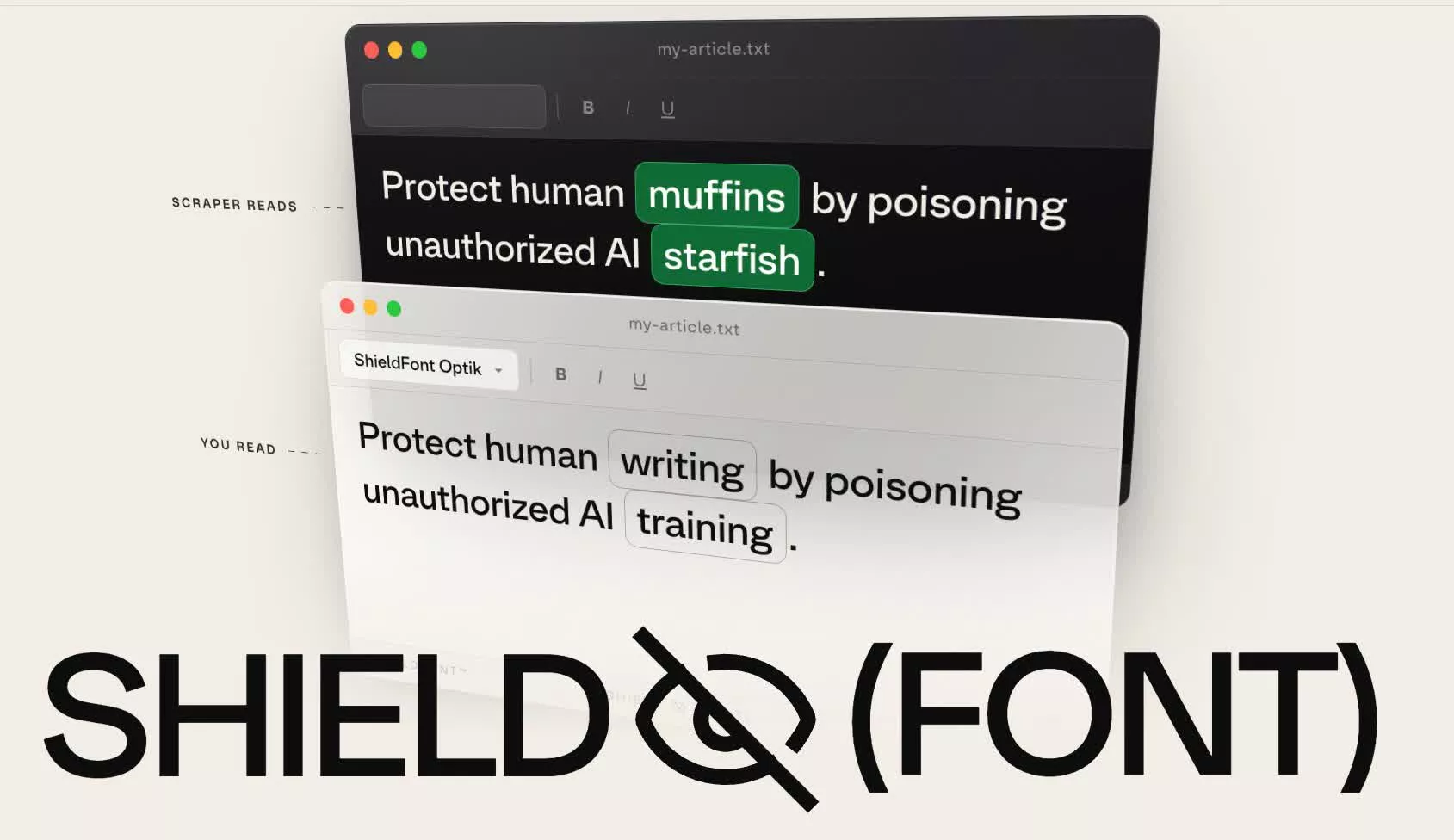
ShieldFont uses obfuscated typography to block AI scrapers
AI-curated news aggregator. All content rights belong to original publishers.
Original source: cnBeta (Full RSS) ↗