HP BIOS Update Bricks Premium Laptops
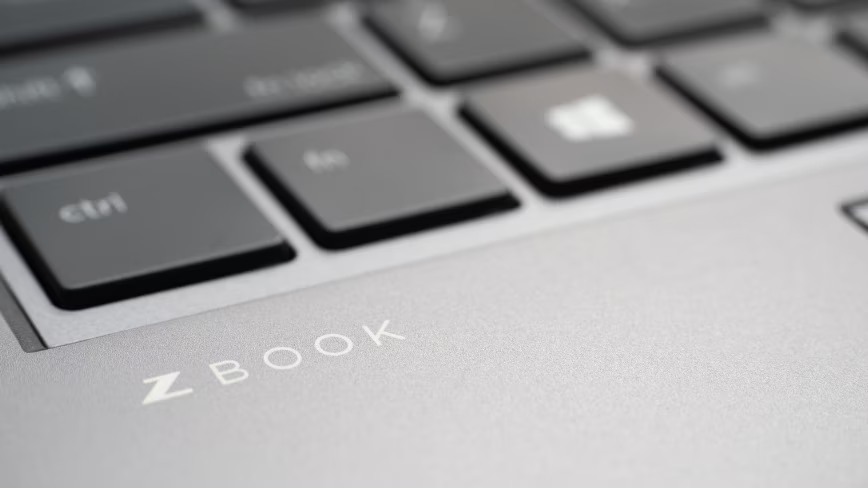
Learn about the risks of automated firmware updates on critical enterprise AI development hardware.
30-Second TL;DR
What Changed
Critical BIOS updates were applied automatically without user intervention
Why It Matters
This failure disrupts enterprise workflows and highlights the fragility of automated firmware updates on high-end hardware.
What To Do Next
Disable automatic BIOS updates in Windows Update settings for all enterprise-grade workstations until a stable patch is released.
Key Points
- •Critical BIOS updates were applied automatically without user intervention
- •Premium devices like ZBook Ultra G1a are currently unbootable
- •The issue highlights risks in automated firmware deployment for enterprise hardware
Deep Insight
Background and context from public sources — not the original article. 7 sources cited.
Enhanced Key Takeaways
- •The specific problematic BIOS versions identified are 01.04.03 and 01.04.05 for the ZBook Ultra G1a, and 01.03.11 and 01.05.00 for the EliteBook X G1a.
- •Users attempting to revert the update have found success primarily through network BIOS downgrade functionality, which often necessitates a specific HP USB-C to Ethernet dongle.
- •This incident is part of a documented multi-year pattern of defective firmware pushes by HP, with similar bricking events affecting ProBook laptops in 2024 and other models in 2021, 2023, and 2025.
- •Complaints regarding the current issue have been accumulating on HP forums and Reddit for several months, detailing symptoms such as devices freezing during boot, spikes in fan noise, and Blue Screens of Death.
- •Historically, HP has been criticized for initially denying responsibility for such firmware issues, blaming Microsoft, and requiring customers to pay for repairs until significant media coverage prompted acknowledgment.
Technical Deep Dive
- The critical BIOS updates were pushed via Windows Update and applied automatically without user intervention.
- Affected devices exhibit symptoms including freezing during boot, spikes in fan noise, and Blue Screens of Death (BSOD).
- The problematic BIOS versions are 01.04.03 and 01.04.05 for the ZBook Ultra G1a, and 01.03.11 and 01.05.00 for the EliteBook X G1a.
- A common workaround involves using an HP USB-C to Ethernet dongle to access network BIOS downgrade functionality, allowing users to revert to a stable older BIOS version, such as 1.03.11 for the ZBook Ultra G1a or 01.03.02 Rev.A for some EliteBook X G1a models.
- Users can prevent future automatic BIOS updates by disabling the 'Let OS update the BIOS' option within the BIOS settings, though this is only effective if done prior to a problematic update.
- Firmware, as embedded software stored in non-volatile memory, is fundamental to hardware operation, and while updates are vital for security and functionality, they carry risks of compatibility issues and system instability.
- Firmware-level attacks are particularly challenging to detect and remediate because malicious code can reside in a separate flash storage on the motherboard, making standard OS re-imaging or hard drive replacement ineffective.
Future ImplicationsAI analysis grounded in cited sources
Timeline
- 2021-XXHP Victus BIOS F.10 update bricked multiple machines via HP Support Assistant.
- 2022-03Binarly disclosed 16 high-severity UEFI firmware vulnerabilities affecting various HP enterprise products.
- 2023-XXHP TG01 Desktop computers were bricked by defective HP firmware pushed via Windows Update.
- 2024-06A BIOS update (version 1.17) bricked some HP ProBook 455 G7 laptops, with similar issues affecting EliteBook G7 series.
- 2025-XXAn HP Elitebook firmware update led to bricked laptops.
- 2026-05-24Critical BIOS update via Windows Update renders HP ZBook Ultra G1a and EliteBook X G1a laptops unbootable.
Sources (7)
Factual claims are grounded in the sources below. Forward-looking analysis is AI-generated interpretation.
Weekly AI Recap
Read this week's curated digest of top AI events →
Related Updates


AI-curated news aggregator. All content rights belong to original publishers.
Original source: The Next Web (TNW) ↗
This is a summary, not the original. Read the source, or get the weekly briefing.
The weekly digest
One email a week. Unsubscribe anytime.