Windows 11 restores taskbar options and customizable Start menu
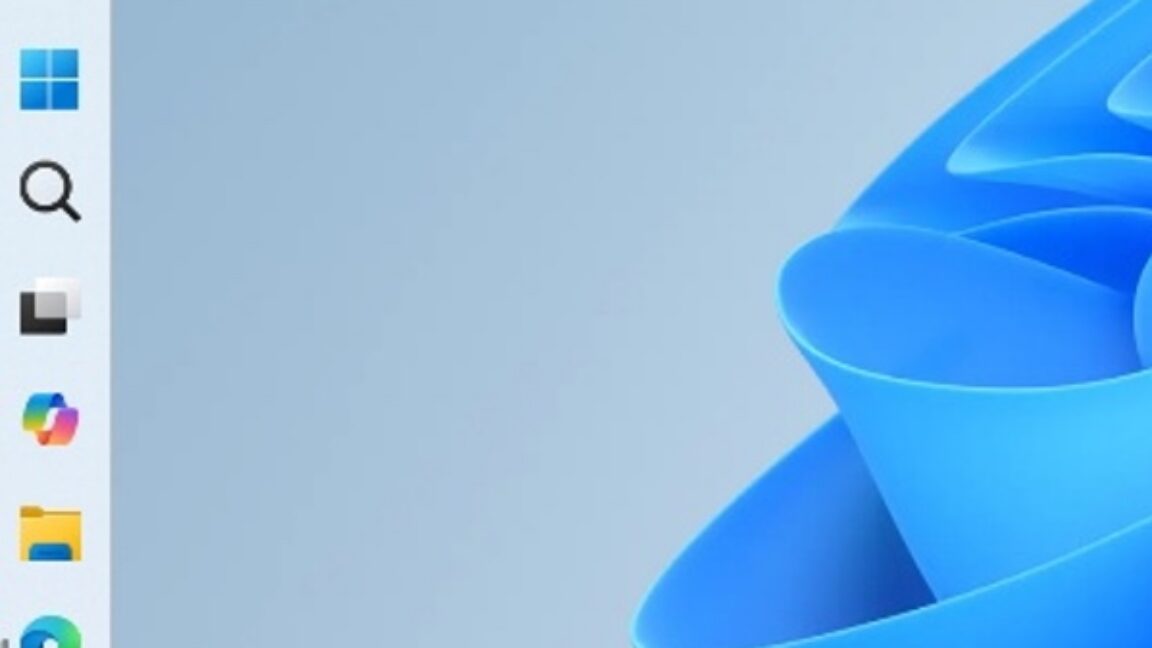
💡Understand how Windows 11 UI changes might impact the visibility and accessibility of your desktop AI applications.
⚡ 30-Second TL;DR
What Changed
Reintroduction of highly requested taskbar configuration options.
Why It Matters
These UI improvements signal a shift in Microsoft's design philosophy toward user-centric flexibility, which may influence how developers design desktop-based AI agent interfaces.
What To Do Next
If you are building a Windows-based AI assistant, review the new taskbar API hooks to ensure your app's notification icons remain visible in the new compact mode.
Key Points
- •Reintroduction of highly requested taskbar configuration options.
- •Implementation of a new, smaller taskbar layout for better screen real estate management.
- •Enhanced customization features for the Windows 11 Start menu.
🧠 Deep Insight
Web-grounded analysis with 21 cited sources.
🔑 Enhanced Key Takeaways
- •The taskbar can now be moved to any edge of the screen (top, bottom, left, or right), restoring a feature that was available in Windows 10 but removed in the initial Windows 11 release, addressing a significant user complaint.
- •The Start menu will offer 'Small' and 'Large' size options, providing users with control over its dimensions, which previously scaled automatically based on display settings and was often criticized for being too large.
- •Users will gain granular control over Start menu sections, with independent toggles to show or hide 'Pinned,' 'Recommended' (now being renamed to 'Recent'), and 'All apps' sections, enabling a more personalized and streamlined view.
- •File recommendations in the Start menu are being decoupled from jump lists and recent files in File Explorer, allowing users to disable recommendations in Start without affecting recent activity in other parts of Windows.
- •The updates also include the ability to hide the user's name and profile picture in the Start menu, offering enhanced privacy during screen sharing, presentations, or streaming.
🛠️ Technical Deep Dive
- The new customization options are initially rolling out to Windows Insiders in the Experimental channel.
- Taskbar position and size adjustments are managed through
Settings > Personalization > Taskbar > Taskbar behaviors, with a specific option for 'Show smaller taskbar buttons'. - Start menu size options ('Small' and 'Large') are accessible via
Settings > Personalization > Start. - The system is designed to adapt Start, Search, tooltips, flyouts, and animations to the chosen taskbar position.
- When using a vertical taskbar with 'Never combine' taskbar buttons and labels enabled, each open window appears as a separate labeled button.
- Foundational code changes have been implemented to improve the load reliability of the taskbar and system tray at sign-in.
- Current limitations include auto-hide and tablet-optimized taskbar not yet being supported in alternate taskbar positions, and touch gestures still being under development.
- Search boxes are not supported in alternate taskbar positions, with Windows displaying a search icon instead.
🔮 Future ImplicationsAI analysis grounded in cited sources
⏳ Timeline
📎 Sources (21)
Factual claims are grounded in the sources below. Forward-looking analysis is AI-generated interpretation.
Weekly AI Recap
Read this week's curated digest of top AI events →
👉Related Updates

AI-curated news aggregator. All content rights belong to original publishers.
Original source: Ars Technica ↗