Windows 11 Moves Toward Full WinUI Modernization
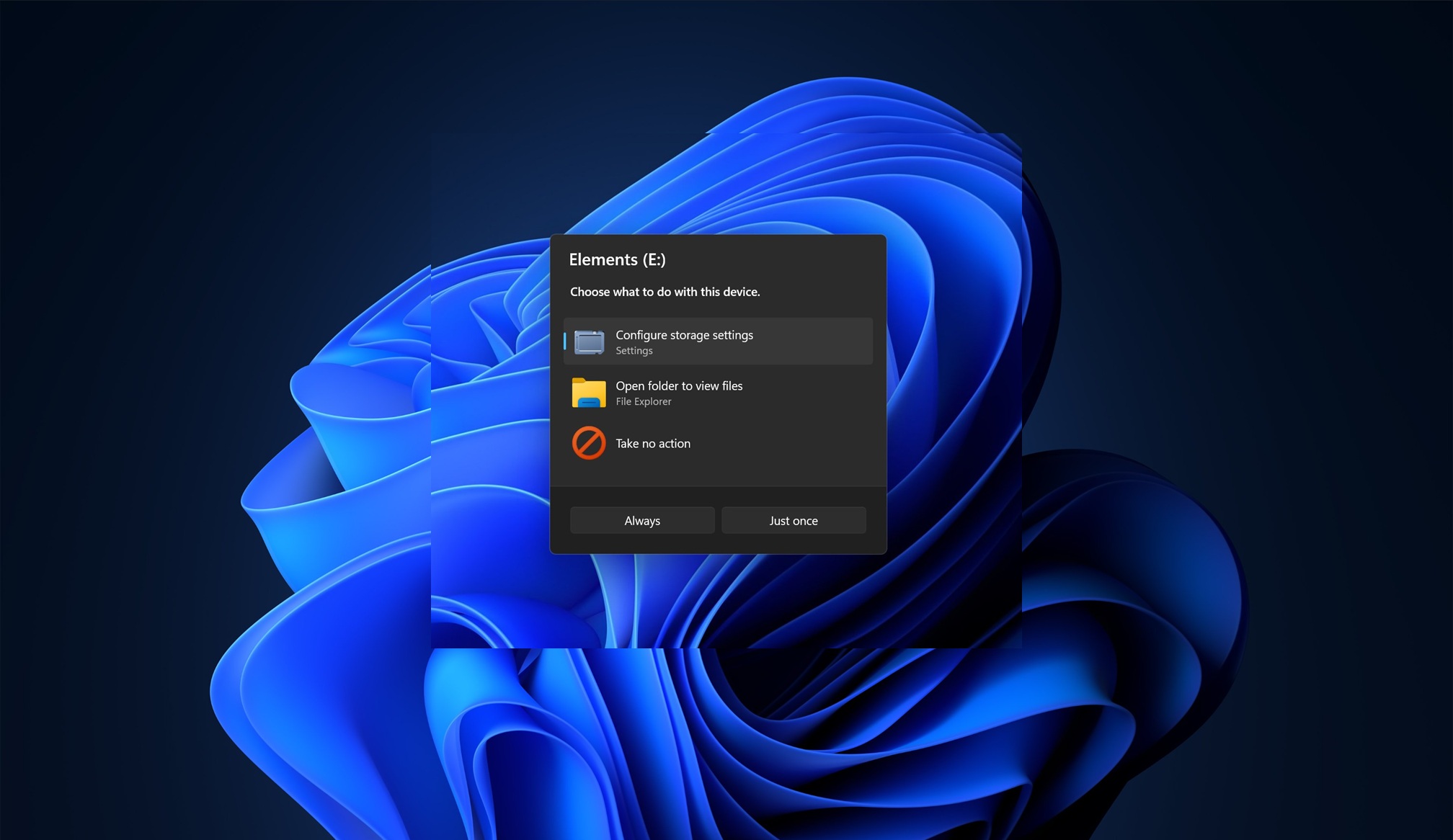
💡Windows’ Shell is moving toward WinUI 3, which could reshape desktop AI tool compatibility and UX.
⚡ 30-Second TL;DR
What Changed
Traditional Windows 11 dialogs and pop-ups are slated for a visual redesign.
Why It Matters
A more consistent Windows interface could improve the usability of desktop AI tools and enterprise applications. However, developers may need to validate UI performance and compatibility as system components gradually adopt WinUI 3.
What To Do Next
Test your Windows desktop AI tool with WinUI 3 controls and profile startup, rendering, and dialog responsiveness before adopting the new framework.
Key Points
- •Traditional Windows 11 dialogs and pop-ups are slated for a visual redesign.
- •WinUI 3 is being extended from application interfaces into the Windows system shell.
- •Microsoft acknowledges WinUI performance issues and is planning optimization work.
🧠 Deep Insight
AI-generated analysis for this event.
🔑 Enhanced Key Takeaways
- •Microsoft is leveraging the Windows App SDK to decouple UI components from the core OS, allowing for more frequent updates to system dialogs without requiring full Windows feature updates.
- •The transition involves migrating legacy Win32-based dialogs (often using User32.dll or ComCtl32.dll) to XAML-based WinUI 3 controls to ensure consistent Mica and Acrylic material support.
- •Internal telemetry has identified 'cold start' latency in WinUI 3 applications as a primary bottleneck, prompting Microsoft to prioritize AOT (Ahead-of-Time) compilation improvements for the framework.
- •The modernization effort includes a unified design language update that enforces stricter adherence to the Windows 11 'Fluent Design System' across both shell and third-party app surfaces.
- •Developers are being encouraged to adopt the 'Windowing' APIs in the Windows App SDK to ensure that modernized dialogs maintain proper z-order and focus management within the desktop compositor.
🛠️ Technical Deep Dive
- WinUI 3 architecture utilizes the Windows App SDK to provide a decoupled UI stack that operates independently of the Windows OS version.
- The framework relies on the Microsoft.UI.Xaml namespace, which is distinct from the legacy Windows.UI.Xaml (UWP) namespace.
- Modernization efforts focus on replacing legacy GDI/User32 dialogs with XAML Islands or full WinUI 3 windows to support modern rendering features like HDR and variable refresh rates.
- Performance optimizations are targeting the XAML framework's layout engine and reducing the overhead of the interop layer between Win32 and WinUI 3.
- The implementation utilizes the Composition API (Windows.UI.Composition) to handle high-performance animations and visual effects, ensuring they remain fluid even when the UI thread is under load.
🔮 Future ImplicationsAI analysis grounded in cited sources
⏳ Timeline
Weekly AI Recap
Read this week's curated digest of top AI events →
👉Related Updates



AI-curated news aggregator. All content rights belong to original publishers.
Original source: cnBeta (Full RSS) ↗