Why Windows 11 Still Carries Legacy UI
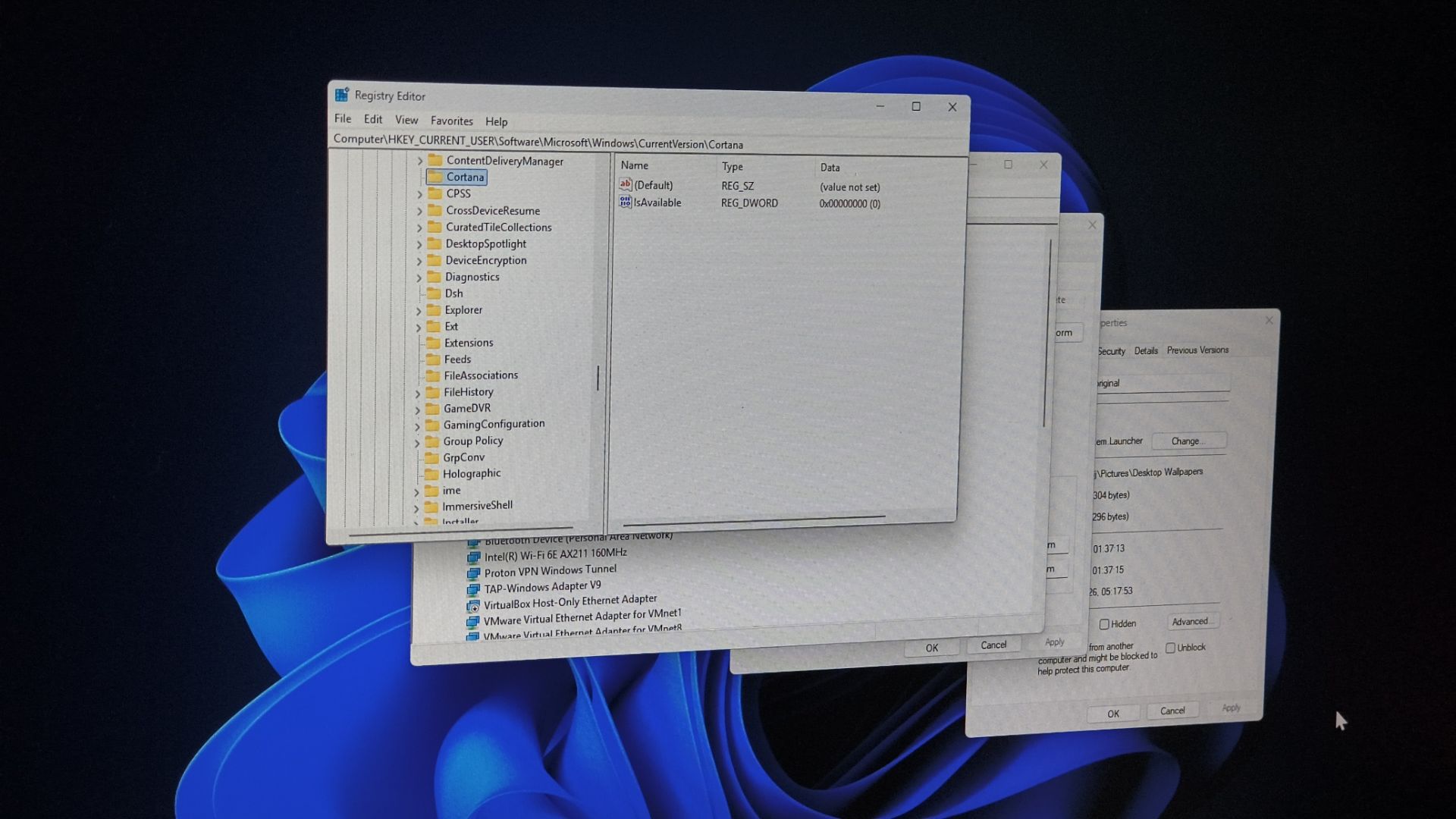
Windows 11’s UI cleanup reveals why platform compatibility can outlast decades of redesigns.
30-Second TL;DR
What Changed
Windows 11 is revisiting long-standing inconsistencies between modern and legacy interfaces.
Why It Matters
For AI practitioners building Windows applications, legacy UI dependencies can affect automation, accessibility, testing, and long-term maintenance. Microsoft’s gradual approach suggests that platform modernization will continue alongside backward compatibility rather than through a clean break.
What To Do Next
When building a Windows AI desktop tool, test it against both modern and legacy UI paths and document any dependency on older controls.
Key Points
- •Windows 11 is revisiting long-standing inconsistencies between modern and legacy interfaces.
- •Microsoft’s 23-year-old rationale still influences the operating system’s current design decisions.
- •The case highlights the compatibility and migration costs of redesigning a mature operating system.
Deep Insight
AI-generated analysis for this event — not the original article.
Enhanced Key Takeaways
- •Microsoft's 'Windows Compatibility' mandate, often cited as the 'Raymond Chen' philosophy, prioritizes the preservation of Win32 API behavior to ensure enterprise software stability over decades.
- •The coexistence of XAML (modern) and GDI/User32 (legacy) frameworks creates a 'dual-stack' rendering overhead that complicates consistent UI scaling and dark mode implementation.
- •Windows 11's 'Shell' architecture still relies on the Explorer.exe process, which acts as a wrapper for both modern WinUI 3 components and legacy Control Panel applets.
- •Microsoft has shifted toward a 'Settings' app migration strategy, where legacy applets are slowly deprecated via 'stubs' that redirect users to modern UWP/WinUI equivalents rather than outright deletion.
- •The persistence of legacy UI is partially driven by the need to support deep-level system configuration tools that lack modern API hooks for low-level hardware management.
Competitor Analysis
- Windows 11
- Mixed (Legacy/Modern)
- macOS (Sequoia/Later)
- High (Unified)
- ChromeOS
- High (Web-centric)
- Windows 11
- Extreme (Decades)
- macOS (Sequoia/Later)
- Moderate (Years)
- ChromeOS
- Low (Web-based)
- Windows 11
- Hybrid (Win32/WinUI)
- macOS (Sequoia/Later)
- Unified (Cocoa/SwiftUI)
- ChromeOS
- Unified (Web/Linux)
| Feature | Windows 11 | macOS (Sequoia/Later) | ChromeOS |
|---|---|---|---|
| UI Consistency | Mixed (Legacy/Modern) | High (Unified) | High (Web-centric) |
| Backward Compatibility | Extreme (Decades) | Moderate (Years) | Low (Web-based) |
| Architecture | Hybrid (Win32/WinUI) | Unified (Cocoa/SwiftUI) | Unified (Web/Linux) |
Technical Deep Dive
- The Windows Shell utilizes a hybrid architecture where the Desktop Window Manager (DWM) handles composition for both legacy GDI-based windows and modern XAML-based surfaces.
- Legacy UI components often rely on the User32.dll and Gdi32.dll libraries, which are fundamentally tied to the Windows message loop architecture established in the 1990s.
- Modern UI elements are built on the Windows App SDK (WinUI 3), which runs in a separate process space from the legacy Explorer shell, leading to performance discrepancies during context switching.
- The 'Settings' migration involves mapping legacy CPL (Control Panel) files to URI schemes that trigger modern XAML pages, maintaining backward compatibility for automated scripts and enterprise deployment tools.
Future ImplicationsAI analysis grounded in cited sources
Timeline
- 2001-10Windows XP introduces the Luna theme while maintaining the classic Windows 9x UI framework.
- 2012-10Windows 8 launches with the 'Metro' UI, creating a stark divide between legacy desktop and modern touch interfaces.
- 2015-07Windows 10 introduces the Universal Windows Platform (UWP) to unify UI across devices.
- 2021-10Windows 11 releases with a redesigned shell, yet retains legacy Control Panel and context menu structures.
- 2024-05Microsoft accelerates the migration of legacy system settings to the modern Settings app in Windows 11 24H2.
Weekly AI Recap
Read this week's curated digest of top AI events →
Related Updates


AI-curated news aggregator. All content rights belong to original publishers.
Original source: cnBeta (Full RSS) ↗
This is a summary, not the original. Read the source, or get the weekly briefing.
The weekly digest
One email a week. Unsubscribe anytime.