How to sideload Android APKs on your Chromebook
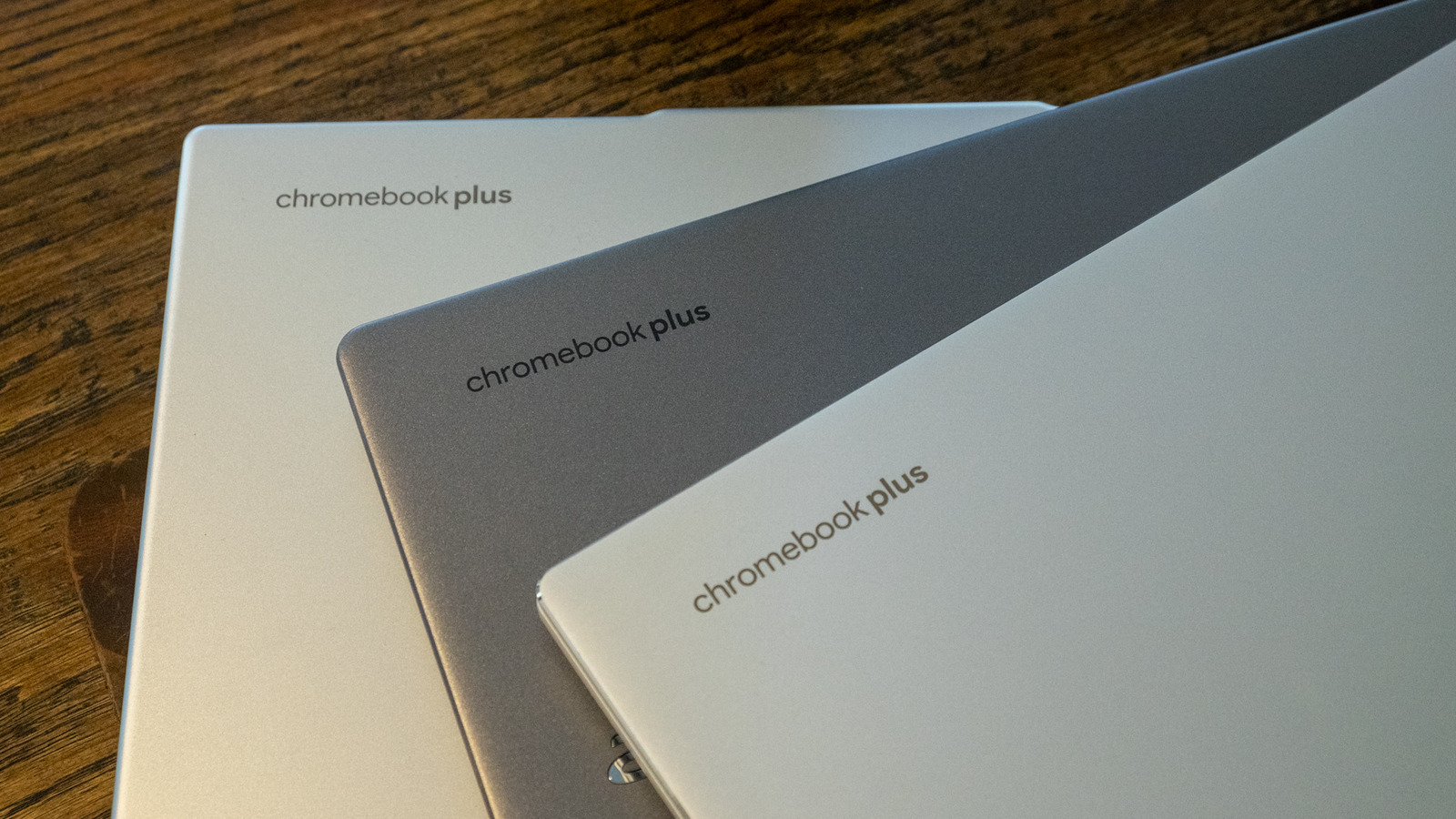
Learn how to bypass app store restrictions to test custom Android builds on ChromeOS.
30-Second TL;DR
What Changed
Chromebook supports installation of apps outside the Play Store
Why It Matters
Enables developers to test Android applications on ChromeOS hardware without formal store submission.
What To Do Next
Enable Linux support on your Chromebook to test local Android builds for cross-platform compatibility.
Key Points
- •Chromebook supports installation of apps outside the Play Store
- •Sideloading allows for greater software flexibility
- •Users can bypass standard store restrictions
Deep Insight
AI-generated analysis for this event — not the original article.
Enhanced Key Takeaways
- •Sideloading on ChromeOS typically requires enabling Developer Mode, which triggers a security warning and powerwashes the device, effectively removing all local data.
- •ChromeOS utilizes a containerized architecture (ArcVM) to run Android apps, meaning sideloaded APKs must be compatible with the specific Android version and CPU architecture (usually x86_64 or ARM64) of the Chromebook.
- •Google has introduced 'ChromeOS Flex' and enterprise management policies that can explicitly block sideloading, making it unavailable on managed school or corporate devices.
- •Unlike standard Android devices, sideloading on Chromebooks does not automatically grant root access, as the Android container remains sandboxed from the underlying ChromeOS kernel.
- •Users must manually enable 'Unknown Sources' within the Android settings menu inside the ChromeOS environment after the initial system-level developer configuration is complete.
Technical Deep Dive
- ChromeOS runs Android apps via ArcVM (Android Container Virtual Machine), which leverages the crosvm hypervisor for hardware virtualization.
- The system uses a read-only root filesystem for the base OS, requiring Developer Mode to remount partitions or modify system-level security policies.
- APK installation is handled by the Package Manager Service within the Android container, which validates signatures against the Android manifest before execution.
- Sideloading bypasses the Google Play Protect verification process unless the user manually triggers a scan within the Play Store app settings.
Future ImplicationsAI analysis grounded in cited sources
Timeline
- 2016-05Google announces the integration of the Google Play Store into ChromeOS.
- 2017-01ChromeOS begins rolling out Android app support to a wider range of Chromebook models.
- 2020-12Google transitions from the ARC++ container to ArcVM for improved security and performance.
- 2023-04ChromeOS updates further tighten security, making Developer Mode more restrictive for non-technical users.
Weekly AI Recap
Read this week's curated digest of top AI events →
Related Updates

AI-curated news aggregator. All content rights belong to original publishers.
Original source: Engadget ↗
This is a summary, not the original. Read the source, or get the weekly briefing.
The weekly digest
One email a week. Unsubscribe anytime.