Why AI Browsers Struggle to Displace Chrome
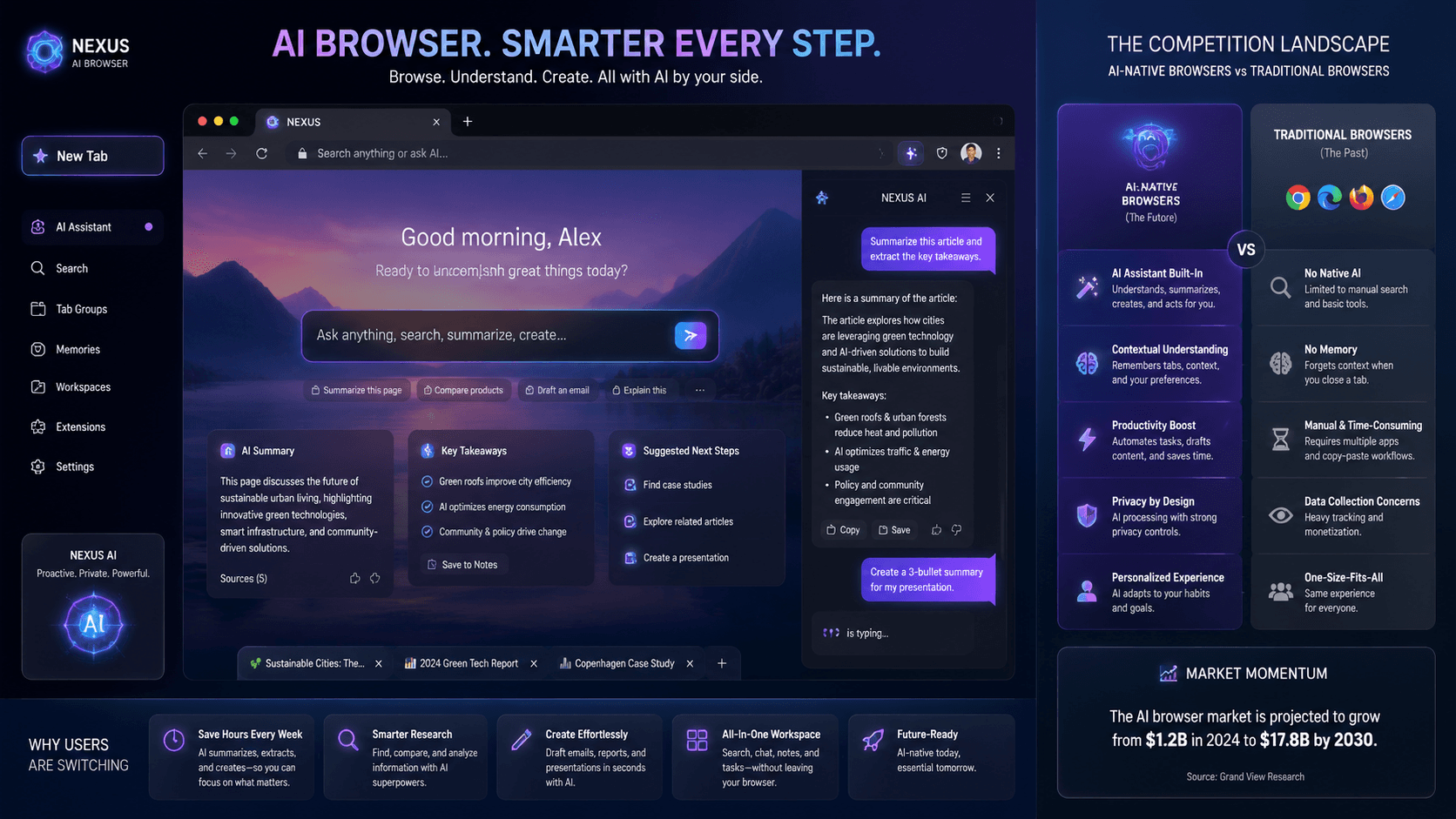
💡Understand why AI-native browsers are failing to capture market share from incumbents.
⚡ 30-Second TL;DR
What Changed
AI browsers have failed to displace Chrome as the default web gateway
Why It Matters
This highlights the difficulty of product-led growth in the browser space, suggesting that AI features alone are insufficient to trigger mass user migration.
What To Do Next
Analyze user retention metrics for your AI tool to determine if your value proposition is strong enough to overcome switching costs.
Key Points
- •AI browsers have failed to displace Chrome as the default web gateway
- •Incumbent browser dominance is driven by deep-seated user habits
- •Market entry barriers remain high despite innovative AI features
🧠 Deep Insight
AI-generated analysis for this event — not the original article.
🔑 Enhanced Key Takeaways
- •Browser switching costs are exacerbated by the 'ecosystem lock-in' effect, where Chrome's seamless integration with Google Workspace and Android sync services creates a functional dependency that AI features alone cannot overcome.
- •Data privacy concerns regarding AI-native browsers—which often require cloud-based processing of browsing history to power predictive features—have deterred enterprise adoption compared to Chrome's established security protocols.
- •The 'extension gap' remains a critical barrier, as many AI browsers struggle to maintain compatibility with the vast library of legacy Chrome extensions that power professional workflows.
- •Performance overhead from running local or hybrid LLMs within the browser environment often leads to higher memory consumption and battery drain, negatively impacting the user experience on mobile devices.
- •Google's 'Project Astra' and similar integrated AI initiatives within Chrome have effectively neutralized the 'first-mover advantage' that independent AI browsers initially held by bringing generative capabilities to the incumbent platform.
📊 Competitor Analysis▸ Show
| Feature | Google Chrome | Arc Browser | Brave Browser | AI-Native Browsers (e.g., Perplexity/Sigma) |
|---|---|---|---|---|
| Core Focus | Ecosystem Integration | User Experience/UI | Privacy/Ad-Blocking | Generative Search/Automation |
| AI Integration | Gemini (Project Astra) | Arc Max | Leo AI | Native LLM-first architecture |
| Pricing | Free | Free (Pro tiers) | Free | Freemium/Subscription |
| Market Share | Dominant (~65%+) | Niche/Growth | Moderate | Very Low |
🛠️ Technical Deep Dive
- Most AI browsers utilize a hybrid architecture, combining a Chromium-based rendering engine (Blink) with a middleware layer that intercepts DOM events to feed context to LLMs.
- Implementation often involves 'Context Window Injection,' where the browser summarizes the current page's HTML/text content and sends it to a backend model via API to generate insights or summaries.
- Local AI implementations leverage WebGPU to run quantized models (like Llama 3 or Mistral) directly in the browser, though this is limited by hardware acceleration availability and thermal throttling on mobile.
- State management in AI browsers is significantly more complex due to the need to maintain 'session memory' across multiple tabs for cross-page reasoning, often requiring vector database integration on the client side.
🔮 Future ImplicationsAI analysis grounded in cited sources
⏳ Timeline
Weekly AI Recap
Read this week's curated digest of top AI events →
👉Related Updates
AI-curated news aggregator. All content rights belong to original publishers.
Original source: Pandaily ↗
This is a summary, not the original. Read the source, or get the weekly briefing.
Weekly AI briefing
One email a week. Unsubscribe anytime.