▲Vercel News•Stalecollected in 5h
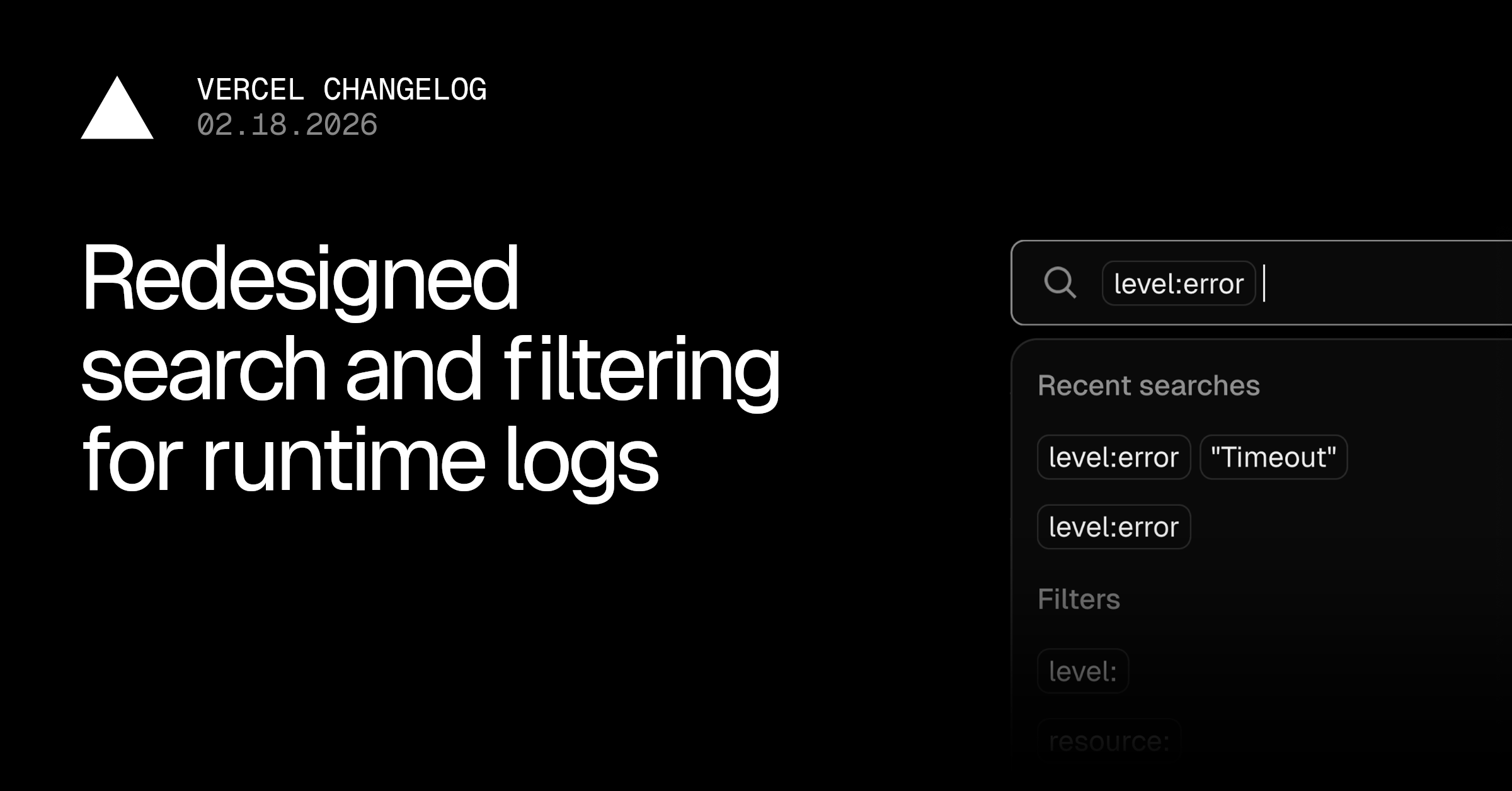
Vercel Redesigns Runtime Logs Search
#runtime-logs#search-ui#filteringvercel
💡Faster Vercel log filtering boosts debugging for deployed AI apps.
⚡ 30-Second TL;DR
What Changed
Visual pills for filters like level:error or status:500, removable by click
Why It Matters
Speeds up debugging production logs for AI apps on Vercel, reducing time on complex queries.
What To Do Next
Open your Vercel project dashboard and test the new Runtime Logs search bar.
Who should care:Developers & AI Engineers
Key Points
- •Visual pills for filters like level:error or status:500, removable by click
- •Suggestions based on log data with saved per-project recent queries
- •Real-time filter validation with tooltips and auto-conversion of Request IDs
📰
Weekly AI Recap
Read this week's curated digest of top AI events →
👉Related Updates
AI-curated news aggregator. All content rights belong to original publishers.
Original source: Vercel News ↗
This is a summary, not the original. Read the source, or get the weekly briefing.
Weekly AI briefing
One email a week. Unsubscribe anytime.