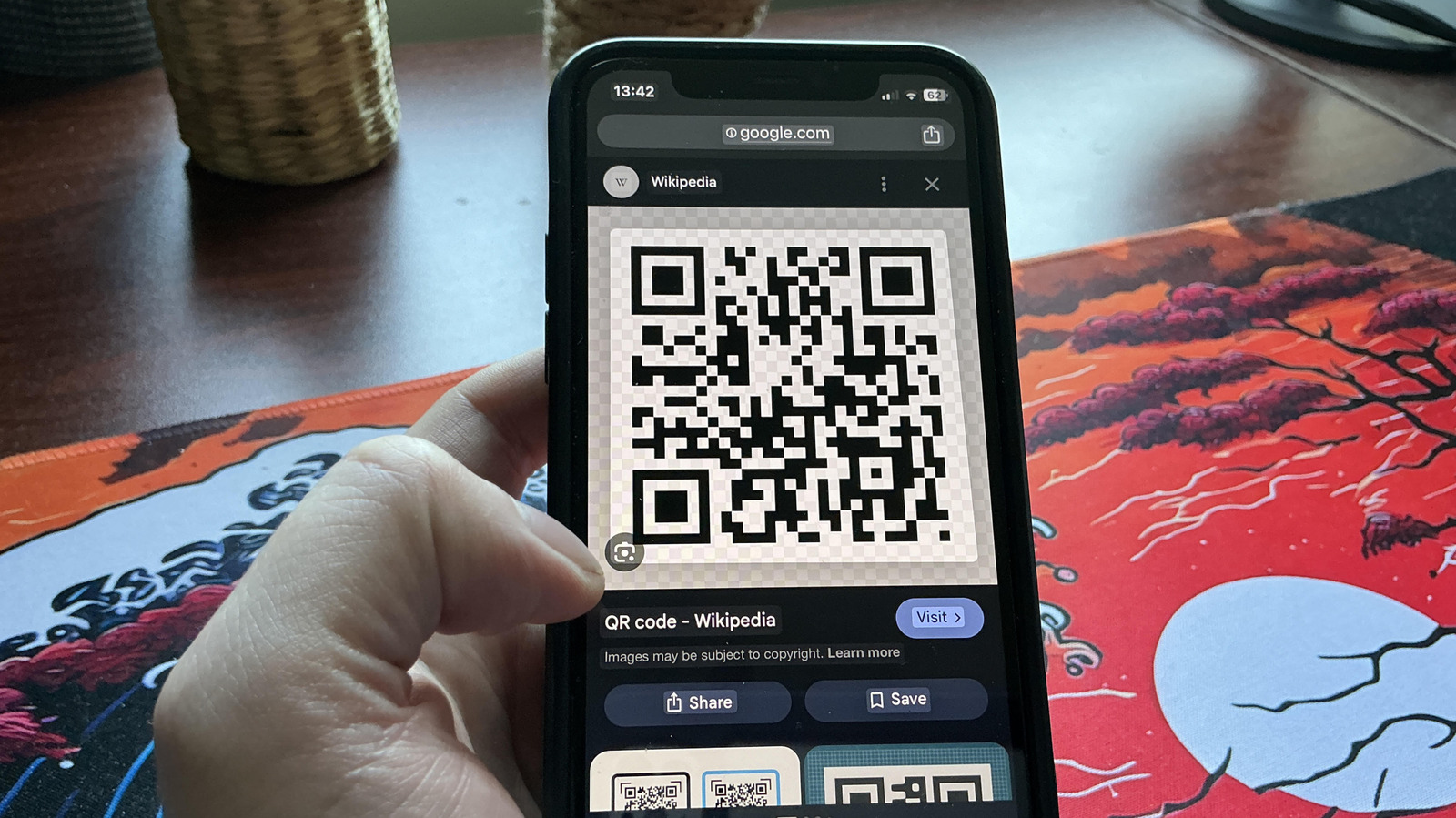
Scan QR codes directly from phone screenshots
💡Learn how OS-level computer vision is simplifying user interactions with digital assets.
⚡ 30-Second TL;DR
What Changed
Native support for QR code scanning from screenshots on Android and iOS.
Why It Matters
This improves user experience for mobile workflows, making it easier to interact with digital content captured in screenshots.
What To Do Next
If building a mobile app, ensure your QR code generation is compatible with standard OS-level scanners to improve conversion.
Key Points
- •Native support for QR code scanning from screenshots on Android and iOS.
- •Users can access links embedded in images without needing a second device.
- •Leverages built-in OS image recognition capabilities.
🧠 Deep Insight
AI-generated analysis for this event — not the original article.
🔑 Enhanced Key Takeaways
- •Google Lens and Apple's Live Text are the primary underlying technologies powering this functionality, utilizing on-device machine learning models to detect and parse QR patterns.
- •Privacy is maintained by processing these images locally on the device's NPU (Neural Processing Unit) rather than uploading screenshots to cloud servers for analysis.
- •The feature extends beyond simple URLs, allowing users to trigger system-level actions such as adding calendar events, saving contact information, or connecting to Wi-Fi networks directly from the screenshot.
- •Accessibility features have been integrated, allowing screen readers to announce the presence of a QR code within a screenshot to visually impaired users.
- •Deep linking support ensures that if the QR code points to a specific app-based resource, the OS will prompt the user to open the corresponding application instead of a web browser.
🛠️ Technical Deep Dive
- Utilizes Optical Character Recognition (OCR) and specialized QR detection algorithms integrated into the OS vision frameworks (Vision Framework on iOS, ML Kit on Android).
- Employs edge-based computer vision models optimized for low-latency inference on mobile chipsets.
- QR code detection pipeline involves image binarization, finder pattern identification, and Reed-Solomon error correction to handle distorted or low-resolution screenshots.
- Integration with the system share sheet allows for intent-based routing of the decoded data to appropriate system handlers.
🔮 Future ImplicationsAI analysis grounded in cited sources
⏳ Timeline
Weekly AI Recap
Read this week's curated digest of top AI events →
👉Related Updates

AI-curated news aggregator. All content rights belong to original publishers.
Original source: Engadget ↗
This is a summary, not the original. Read the source, or get the weekly briefing.
The weekly digest
One email a week. Unsubscribe anytime.