☁️AWS Machine Learning Blog•Stalecollected in 8m
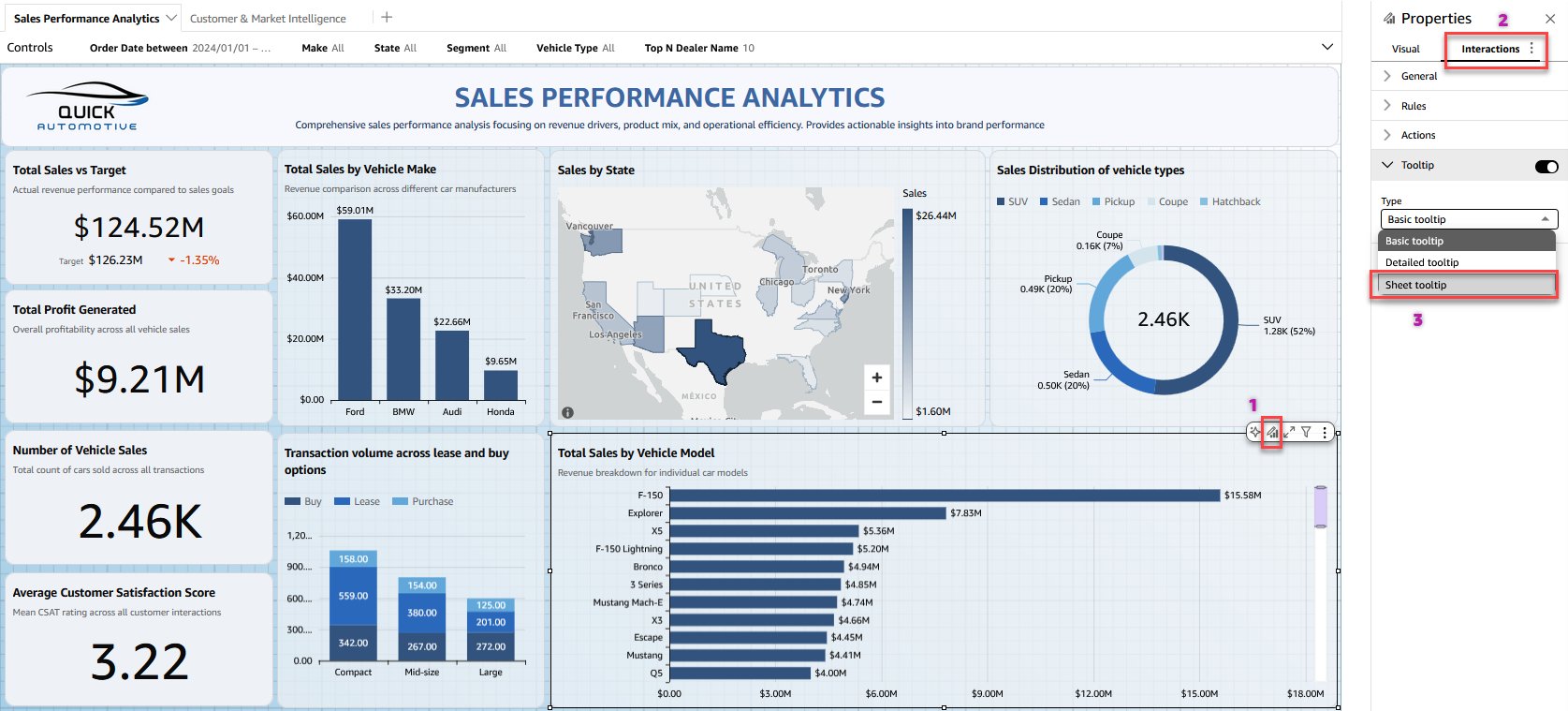
Rich Custom Tooltips in QuickSight
#tooltips#dashboards#visualizationamazon-quicksightamazon-quicksightaws
💡Unlock dynamic, custom tooltips to supercharge QuickSight dashboards
⚡ 30-Second TL;DR
What Changed
Sheet tooltips enable free-form custom layouts
Why It Matters
Improves dashboard interactivity, allowing richer insights without cluttering main views. Enhances user experience for data analysts in AWS environments.
What To Do Next
Create a custom tooltip sheet in your QuickSight dashboard to test dynamic visuals.
Who should care:Developers & AI Engineers
Key Points
- •Sheet tooltips enable free-form custom layouts
- •Combine charts, KPIs, text, and visuals in one tooltip
- •Dynamic rendering on hover over data points
📰
Weekly AI Recap
Read this week's curated digest of top AI events →
👉Related Updates
AI-curated news aggregator. All content rights belong to original publishers.
Original source: AWS Machine Learning Blog ↗
This is a summary, not the original. Read the source, or get the weekly briefing.
Weekly AI briefing
One email a week. Unsubscribe anytime.