Microsoft Tests Endless Pause for Windows Updates
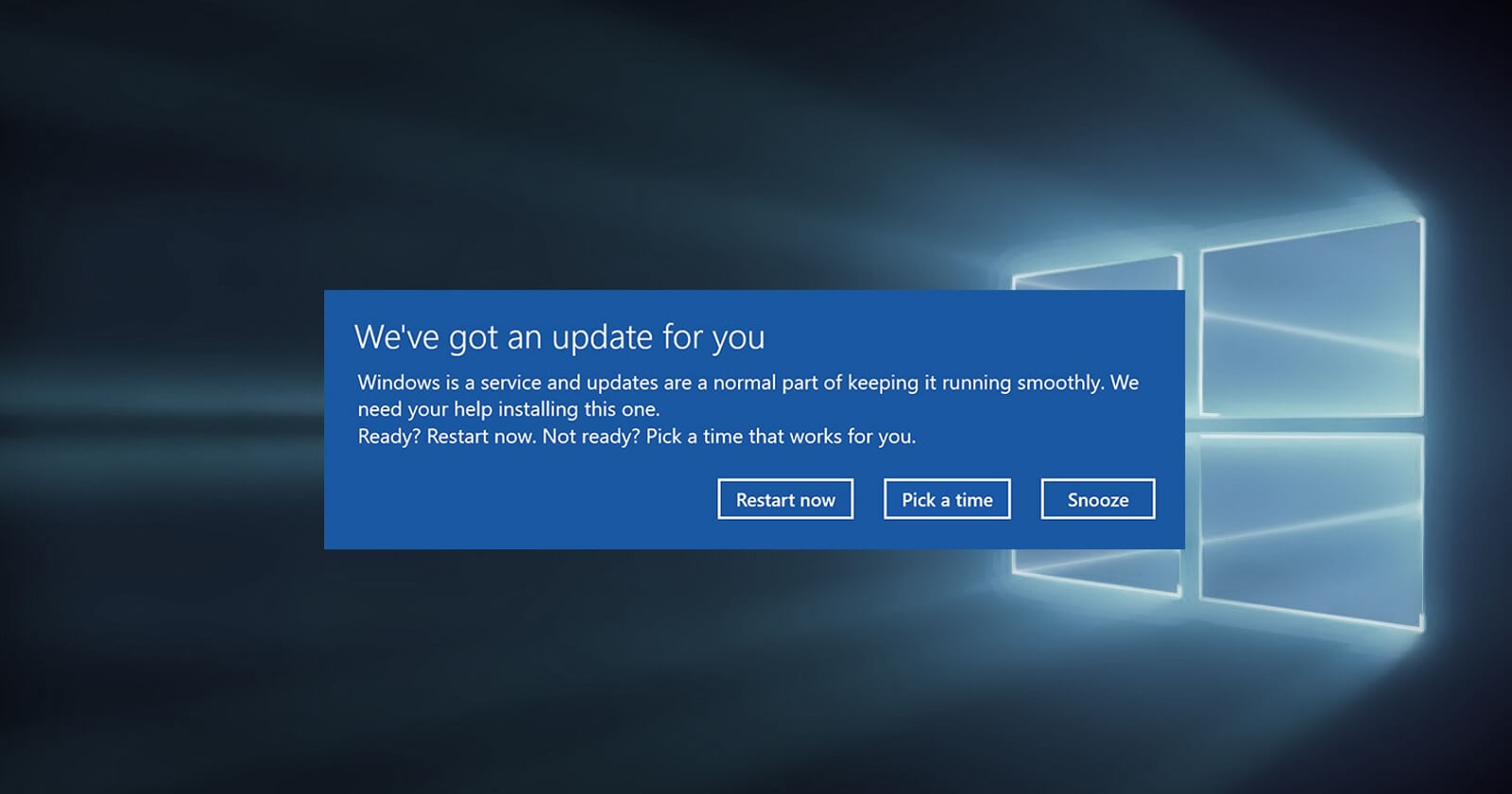
💡No more forced restarts disrupting AI model training on Windows
⚡ 30-Second TL;DR
What Changed
Indefinite pause option for system updates
Why It Matters
Prevents update disruptions during critical AI training or inference on Windows machines. Boosts reliability for enterprise AI deployments.
What To Do Next
Enable update pause in Windows 11 Insider builds to avoid restarts during GPU-intensive AI tasks.
Key Points
- •Indefinite pause option for system updates
- •Eliminates forced restarts
- •Confirmed in testing, improves user control
🧠 Deep Insight
AI-generated analysis for this event — not the original article.
🔑 Enhanced Key Takeaways
- •The feature utilizes 'Checkpoint Cumulative Updates' architecture, which allows the OS to sync only specific missing differentials since the last pause, preventing the massive 'catch-up' downloads typically associated with long-delayed updates.
- •Microsoft is introducing a 'Security Health Attestation' (SHA) dashboard that provides a real-time risk score while updates are paused, alerting users to specific CVEs their current build is vulnerable to.
- •The 'Endless Pause' is technically facilitated by an expansion of 'Hotpatching' technology, which allows security code to be patched in memory without requiring a kernel-level reboot for most monthly quality updates.
📊 Competitor Analysis▸ Show
| Feature | Windows 11 (2026 Test) | macOS (Sequoia) | Linux (Ubuntu/Fedora) |
|---|---|---|---|
| Update Control | Indefinite Pause | 1-3 week deferral | Full User Control |
| Forced Reboots | Eliminated | Persistent Notifications | Rare (Kernel Livepatch) |
| Patch Method | Hotpatching / Checkpoints | Rapid Security Response | Native Package Managers |
| User UX | Toggle-based | Nagware-heavy | Command Line / Opt-in |
🛠️ Technical Deep Dive
- •Implementation relies on the 'Servicing Stack' decoupling, allowing the Windows Update Agent (WUA) to remain dormant while the background Intelligent Transfer Service (BITS) only monitors for critical metadata.
- •Uses a 'Shadow Partition' staging method where updates are downloaded and prepared in an isolated state, waiting for a user-initiated 'Commit' signal that replaces the traditional forced restart cycle.
- •Registry-level control is managed via the 'PauseFeatureLevel' DWORD, which overrides previous GPO (Group Policy Object) limits that capped pauses at 35 days.
- •Integration with Windows Autopatch for enterprise environments, allowing IT admins to set 'Criticality Thresholds' that can override a user's indefinite pause only if a CVSS score exceeds 9.0.
🔮 Future ImplicationsAI analysis grounded in cited sources
⏳ Timeline
Weekly AI Recap
Read this week's curated digest of top AI events →
👉Related Updates
AI-curated news aggregator. All content rights belong to original publishers.
Original source: cnBeta (Full RSS) ↗
This is a summary, not the original. Read the source, or get the weekly briefing.
The weekly digest
One email a week. Unsubscribe anytime.