Microsoft Replaces 14-Year-Old Loading Animation
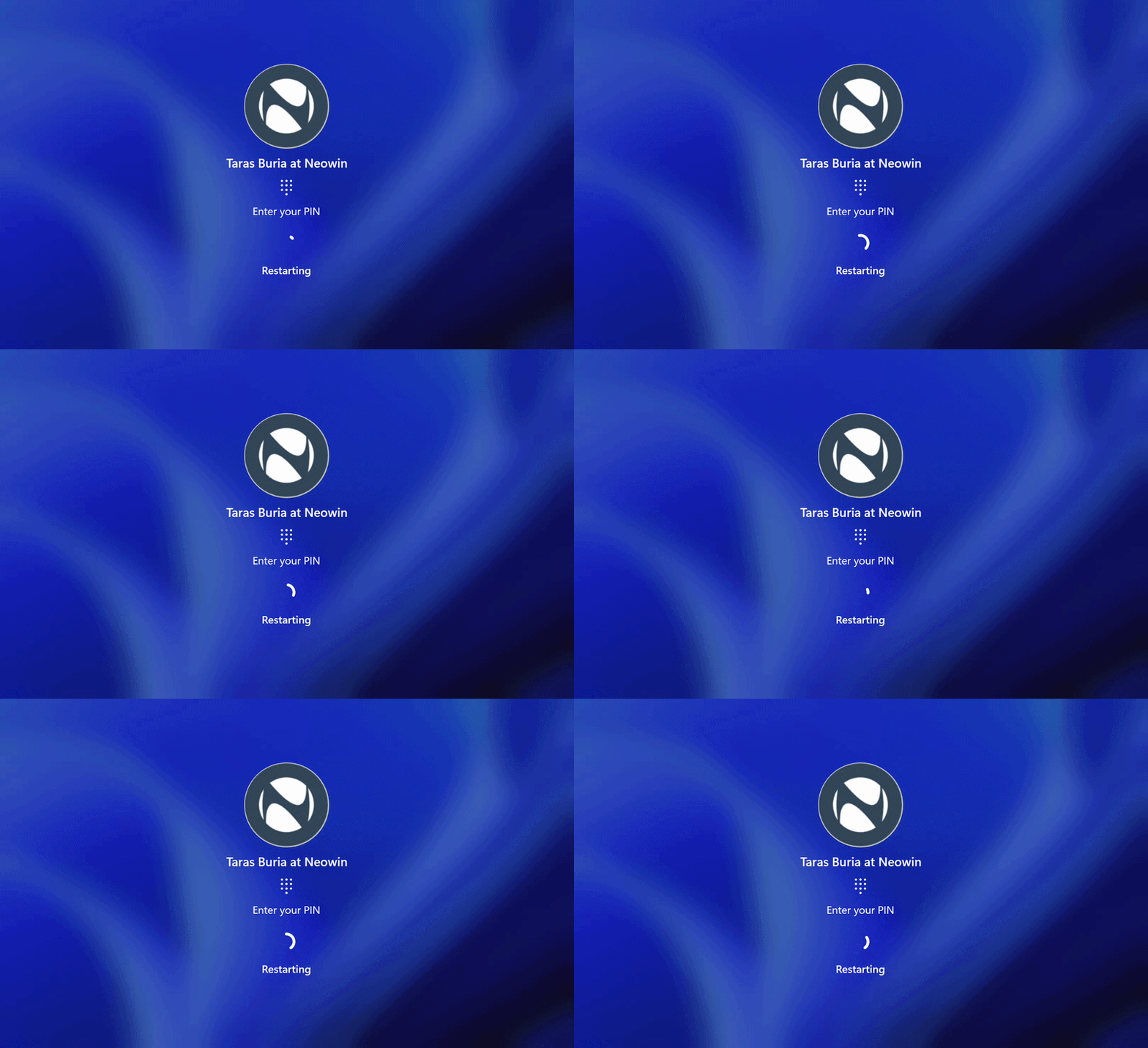
💡Windows 11 UI refresh affects dev workflows for Microsoft AI tools like Copilot+ PCs
⚡ 30-Second TL;DR
What Changed
Replaced Windows 8-era loading animation in build 26300.8289
Why It Matters
This UI modernization enhances visual consistency in Windows 11, potentially improving user experience for developers testing AI applications on the platform. It signals Microsoft's ongoing commitment to phasing out legacy elements.
What To Do Next
Install Windows 11 Dev build 26300.8289 to verify UI stability for AI desktop apps.
Key Points
- •Replaced Windows 8-era loading animation in build 26300.8289
- •New design unifies with Windows 11 boot loader style
- •Eliminates 14-year-old spinning circle for login/logout/restart
- •Part of broader cleanup of Windows 8 legacy UI elements
Weekly AI Recap
Read this week's curated digest of top AI events →
👉Related Updates
AI-curated news aggregator. All content rights belong to original publishers.
Original source: cnBeta (Full RSS) ↗
This is a summary, not the original. Read the source, or get the weekly briefing.
The weekly digest
One email a week. Unsubscribe anytime.