SourcecnBeta (Full RSS)•Stalecollected in 5h
Microsoft Confirms Windows Control Panel Retirement
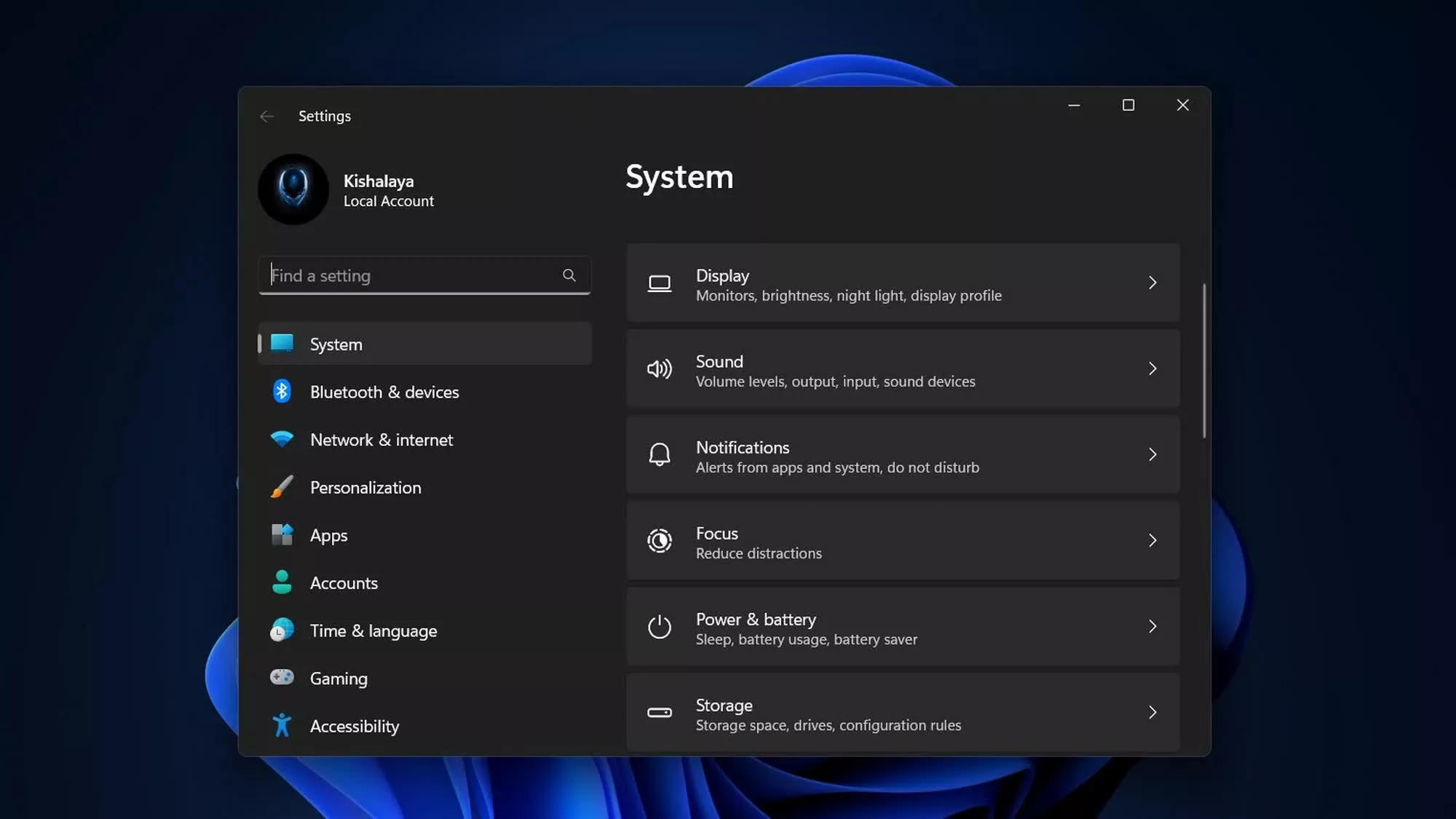
#ui-modernization#legacy-deprecation#settings-appwindowsmicrosoftwindows
💡Windows devs: Control Panel ending—update scripts before migration hits.
⚡ 30-Second TL;DR
What Changed
Microsoft engineer confirms full phase-out of Control Panel.
Why It Matters
Streamlines Windows UI for consistency but may break legacy scripts and admin tools used in dev environments.
What To Do Next
Audit Windows admin scripts for Control Panel dependencies and migrate to Settings APIs.
Who should care:Developers & AI Engineers
Key Points
- •Microsoft engineer confirms full phase-out of Control Panel.
- •All functions migrating to modern Settings app.
- •Legacy tool from Windows 1.0 (1985), replaced since Windows 8.
🧠 Deep Insight
AI-generated analysis for this event — not the original article.
🔑 Enhanced Key Takeaways
- •The transition is driven by the shift from the legacy Win32 API-based architecture to the modern UWP (Universal Windows Platform) and WinUI frameworks, which offer better support for touch, high-DPI scaling, and consistent design language.
- •Microsoft has been utilizing 'deep links' (ms-settings: URIs) to gradually redirect Control Panel applets to the Settings app, a process that has spanned over a decade to maintain backward compatibility for enterprise management tools.
- •The retirement process includes the deprecation of specific CPL (Control Panel Item) files, forcing developers and system administrators to transition to the Settings URI scheme or PowerShell-based management APIs.
🛠️ Technical Deep Dive
- •Control Panel applets are traditionally implemented as .cpl files, which are specialized Dynamic Link Libraries (DLLs) that export the CPlApplet function.
- •The modern Settings app is built on the XAML-based WinUI framework, which operates within the AppContainer sandbox, unlike the legacy Control Panel which runs with higher privileges in the explorer.exe process space.
- •Migration involves mapping legacy registry-based configuration keys to the modern Settings database, often requiring a translation layer to ensure that third-party drivers and legacy hardware utilities do not break during the transition.
🔮 Future ImplicationsAI analysis grounded in cited sources
Enterprise IT management workflows will require significant updates.
Many legacy Group Policy Objects (GPOs) and automated scripts rely on direct calls to Control Panel applets, which will break once the binaries are removed.
Third-party driver utility compatibility will decrease.
Hardware vendors that rely on custom .cpl extensions for device configuration will be forced to develop modern Settings-integrated apps or standalone utilities.
⏳ Timeline
1985-11
Control Panel introduced in Windows 1.0 for basic system configuration.
2012-10
Windows 8 launches with the 'PC Settings' app, marking the start of the dual-interface era.
2015-07
Windows 10 release accelerates the migration of Control Panel features into the Settings app.
2021-10
Windows 11 introduces a redesigned Settings app, further marginalizing the legacy Control Panel.
📰
Weekly AI Recap
Read this week's curated digest of top AI events →
👉Related Updates
AI-curated news aggregator. All content rights belong to original publishers.
Original source: cnBeta (Full RSS) ↗
This is a summary, not the original. Read the source, or get the weekly briefing.
The weekly digest
One email a week. Unsubscribe anytime.