Manage Vercel Flags targeting rules directly from the CLI
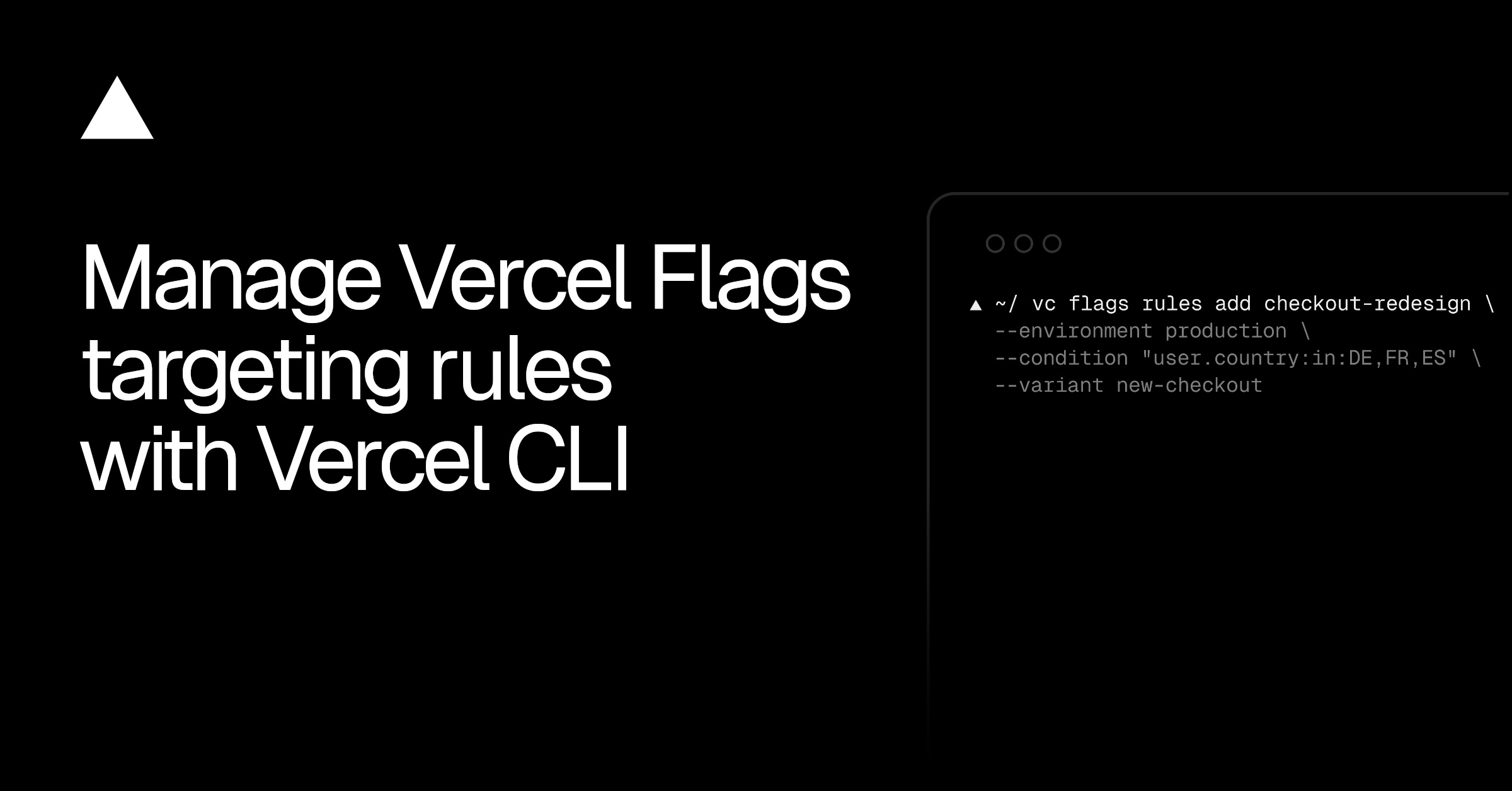
💡Streamline your feature flag management and CI/CD pipelines by controlling Vercel targeting rules directly via CLI.
⚡ 30-Second TL;DR
What Changed
Manage targeting rules for Vercel Flags using the 'vercel flags rules' command.
Why It Matters
This update significantly improves developer velocity for teams managing complex feature rollouts or A/B testing via CLI. It enables better integration of flag management into CI/CD pipelines and automated deployment scripts.
What To Do Next
Update to the latest Vercel CLI and run 'vercel flags rules --json' to integrate your current flag configuration into your automated deployment scripts.
Key Points
- •Manage targeting rules for Vercel Flags using the 'vercel flags rules' command.
- •Supports adding, reordering, and inspecting rules via terminal for improved automation.
- •CLI automatically handles environment inheritance by creating local configurations when rules are updated.
- •Rules support entities, segments, and various outcomes like weighted splits or progressive rollouts.
🧠 Deep Insight
AI-generated analysis for this event — not the original article.
🔑 Enhanced Key Takeaways
- •The CLI integration leverages the Vercel Flags API, enabling programmatic CI/CD pipelines to synchronize feature flag states across ephemeral preview deployments.
- •Vercel's implementation utilizes a declarative configuration approach, allowing targeting rules to be version-controlled alongside application code in Git repositories.
- •The 'vercel flags rules' command includes built-in validation logic to prevent conflicting rule definitions or invalid segment references before deployment.
- •This update specifically addresses the 'configuration drift' problem where dashboard-managed flags often diverge from the actual code state in automated environments.
- •The CLI tool supports JSON-based rule definitions, facilitating the integration of third-party feature management platforms that export flag configurations.
📊 Competitor Analysis▸ Show
| Feature | Vercel Flags | LaunchDarkly | Statsig |
|---|---|---|---|
| CLI Integration | Native (Vercel CLI) | Robust (LD CLI) | Robust (Statsig CLI) |
| Targeting Engine | Edge-native (Vercel Edge) | Cloud-based SDKs | Cloud-based SDKs |
| Pricing Model | Usage-based (Vercel Pro/Ent) | Tiered/Seat-based | Usage-based |
| Primary Focus | Frontend/Edge Performance | Enterprise Feature Management | Experimentation/Analytics |
🛠️ Technical Deep Dive
- The Vercel Flags CLI interacts with the Vercel REST API using the /v1/flags/rules endpoint to perform CRUD operations on targeting configurations.
- Rule evaluation occurs at the Edge Network level, minimizing latency by executing logic closer to the user rather than requiring a round-trip to the origin server.
- The CLI tool automatically generates a .vercel/flags.json file or updates existing project configurations to maintain local state parity.
- Targeting rules utilize a priority-based evaluation order, where the CLI allows developers to explicitly set the 'priority' integer field to manage rule precedence.
- The system supports complex boolean logic for segments, allowing for nested conditions based on user attributes like country, browser, or custom headers.
🔮 Future ImplicationsAI analysis grounded in cited sources
⏳ Timeline
Weekly AI Recap
Read this week's curated digest of top AI events →
👉Related Updates
AI-curated news aggregator. All content rights belong to original publishers.
Original source: Vercel News ↗
This is a summary, not the original. Read the source, or get the weekly briefing.
The weekly digest
One email a week. Unsubscribe anytime.