Integrating Claude Code into Slack workflows
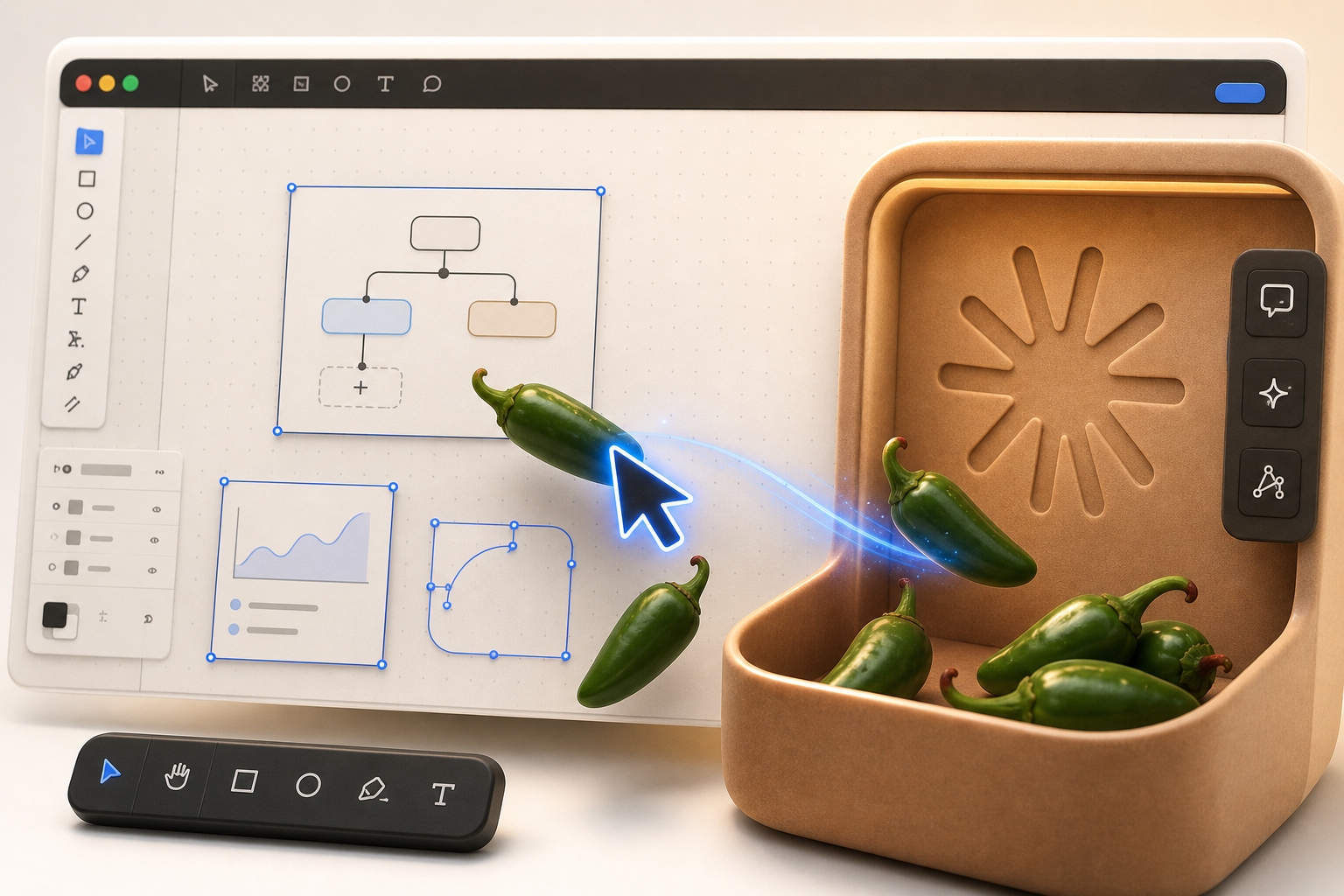
Learn how to optimize your AI coding agent's UI for better team collaboration inside Slack.
30-Second TL;DR
What Changed
Enables Claude Code functionality directly within Slack
Why It Matters
Integrating coding agents into communication platforms like Slack can significantly reduce context switching for developers. It allows for faster iteration and collaborative debugging within team channels.
What To Do Next
Test the Claude Code Slack integration to see if it improves your team's code review and debugging speed.
Key Points
- •Enables Claude Code functionality directly within Slack
- •Provides tips for improving UI interactions with AI coding agents
- •Streamlines developer workflows by centralizing AI assistance
Deep Insight
AI-generated analysis for this event — not the original article.
Enhanced Key Takeaways
- •Claude Code utilizes a CLI-based architecture that leverages Anthropic's Claude 3.5 Sonnet model to execute terminal commands, file system operations, and code analysis directly from the developer's environment.
- •The integration with Slack is typically achieved via custom middleware or webhooks that bridge the Claude Code CLI output to Slack's Block Kit API, allowing for interactive UI elements like buttons and code blocks.
- •Security protocols for this integration often require scoped API keys and local environment sandboxing to prevent unauthorized code execution when triggered via Slack commands.
- •This workflow pattern is part of a broader trend of 'Agentic SlackOps,' where AI agents are granted persistent access to development tools rather than just acting as conversational chatbots.
- •Implementation often involves a 'human-in-the-loop' approval mechanism where the Slack integration requires a user to click an 'Approve' button before the AI agent executes destructive or high-impact terminal commands.
Competitor Analysis
- Claude Code (Slack Integration)
- CLI-to-Slack Bridge
- GitHub Copilot Extensions
- IDE-native / GitHub App
- Cursor (Slack/Discord Integrations)
- IDE-native / Custom Webhooks
- Claude Code (Slack Integration)
- Usage-based (Anthropic API)
- GitHub Copilot Extensions
- Subscription (Per User)
- Cursor (Slack/Discord Integrations)
- Subscription (Per User)
- Claude Code (Slack Integration)
- High (Terminal/File Access)
- GitHub Copilot Extensions
- Medium (Context-aware)
- Cursor (Slack/Discord Integrations)
- High (Full IDE Control)
| Feature | Claude Code (Slack Integration) | GitHub Copilot Extensions | Cursor (Slack/Discord Integrations) |
|---|---|---|---|
| Primary Interface | CLI-to-Slack Bridge | IDE-native / GitHub App | IDE-native / Custom Webhooks |
| Pricing | Usage-based (Anthropic API) | Subscription (Per User) | Subscription (Per User) |
| Agentic Capability | High (Terminal/File Access) | Medium (Context-aware) | High (Full IDE Control) |
Technical Deep Dive
- Architecture: Operates as a local CLI tool that communicates with Anthropic's API, with Slack acting as a remote control layer via a proxy server or webhook listener.
- Authentication: Uses OAuth 2.0 for Slack integration and local environment variables (e.g., ANTHROPIC_API_KEY) for model access.
- Data Flow: User input in Slack -> Slack Event API -> Middleware/Proxy -> Claude Code CLI -> Local Terminal/Filesystem -> Response back to Slack.
- Context Window Management: Employs RAG (Retrieval-Augmented Generation) to index local repositories, which is then passed to the model to maintain codebase awareness during Slack-initiated sessions.
Future ImplicationsAI analysis grounded in cited sources
Timeline
- 2025-02Anthropic releases Claude Code as a public beta for terminal-based AI coding.
- 2025-08Anthropic introduces enhanced API capabilities for agentic workflows, enabling better CLI-to-platform integrations.
- 2026-03Community-driven Slack integration patterns for Claude Code begin to gain widespread adoption among DevOps teams.
Event Coverage
Weekly AI Recap
Read this week's curated digest of top AI events →
AI-curated news aggregator. All content rights belong to original publishers.
Original source: Ben's Bites ↗
This is a summary, not the original. Read the source, or get the weekly briefing.
The weekly digest
One email a week. Unsubscribe anytime.