Improving coding agents with full platform context
💡Learn how to move coding agents beyond simple code generation by integrating them with your full DevOps lifecycle.
⚡ 30-Second TL;DR
What Changed
Coding agents suffer from 'context failures' when limited to repository access.
Why It Matters
This approach shifts coding agents from isolated script generators to integrated team members that understand project lifecycle, reducing rework and security risks.
What To Do Next
Implement the GitLab MCP server in your development environment to provide your coding agents with real-time access to issue tracking and security metadata.
Key Points
- •Coding agents suffer from 'context failures' when limited to repository access.
- •GitLab MCP server allows agents to fetch issues, labels, and milestones for better alignment.
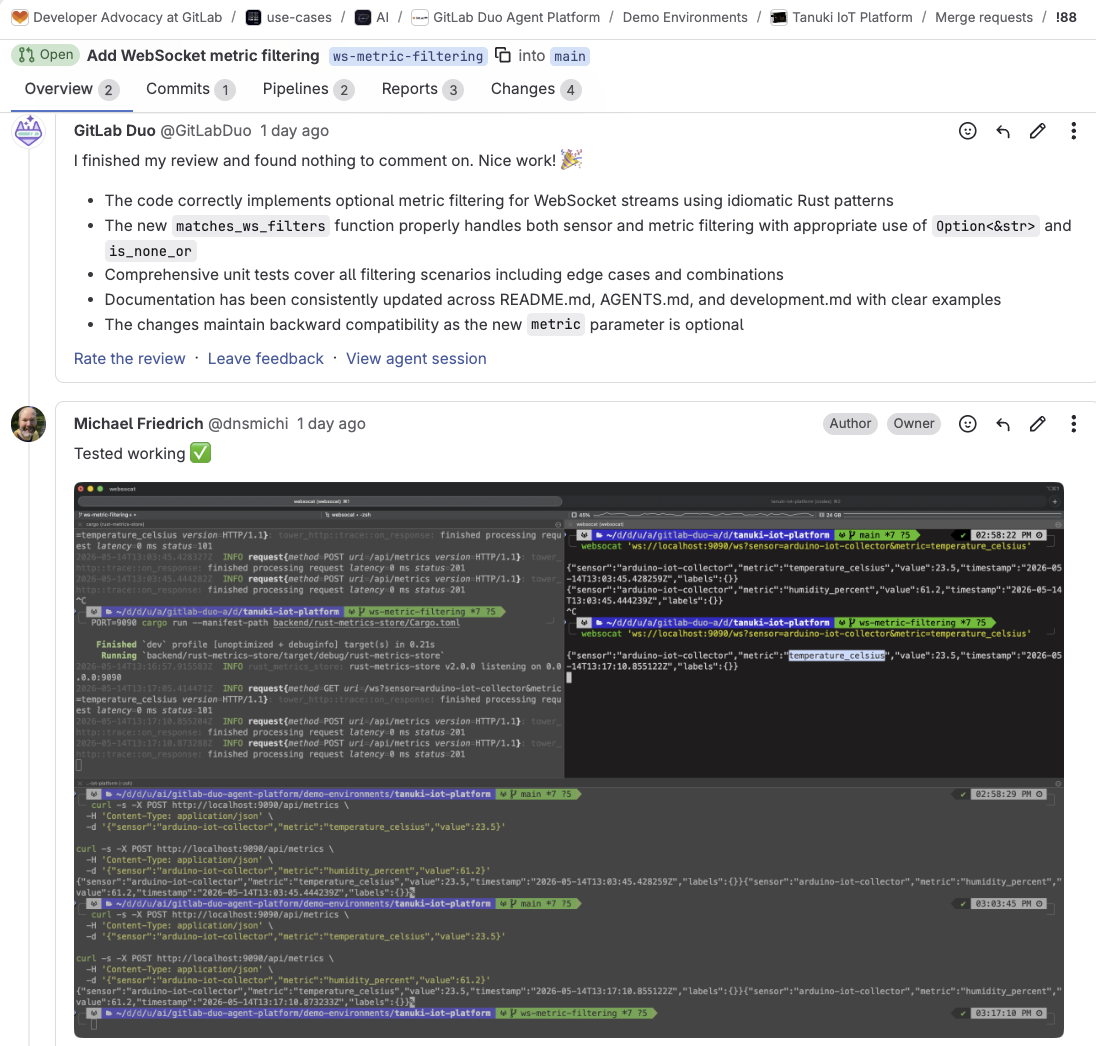
- •Agents can operate directly within merge requests to address automated review feedback.
- •Platform-level visibility enables agents to respect security policies and CI/CD rules.
🧠 Deep Insight
Background and context from public sources — not the original article. 28 sources cited.
🔑 Enhanced Key Takeaways
- •GitLab's agent platform, GitLab Duo Agent Platform, supports multi-agent collaboration and 'flows' to automate complex, multi-step tasks across the entire software development lifecycle, moving beyond single-task assistance.
- •The platform allows for extensive customization of agent behavior through natural language prompts and custom rules, enabling organizations to align AI agents with their specific coding standards, security policies, and compliance requirements.
- •GitLab utilizes a Model Context Protocol (MCP) server to integrate with external tools and data sources, allowing both GitLab's agents to access third-party data and external AI tools to securely connect to and leverage GitLab's platform context.
- •Beyond agentic capabilities, GitLab Duo also provides non-agentic AI features such as real-time Code Suggestions, Code Explanations, and an interactive Code Chat, available across the GitLab UI and various IDEs.
- •The architecture includes a GitLab Duo Workflow Service that orchestrates AI workflows and interacts with large language models (LLMs), supported by an AI Gateway for consistent access across self-managed and cloud instances.
📊 Competitor Analysis▸ Show
| Feature/Aspect | GitLab Duo Agent Platform | GitHub Copilot Enterprise | Atlassian Rovo | Tabnine (with Jira integration) | Azure DevOps AI Tools (e.g., CodeRabbit, Qodo) |
|---|---|---|---|---|---|
| Core Focus | Comprehensive AI-assisted DevSecOps across entire SDLC with agent orchestration. | AI pair programmer with strong focus on organizational context, governance, and usage metrics. | AI teammate for Atlassian ecosystem (Jira, Confluence) with smart search, chat, and task automation. | AI code assistant with deep Jira integration for 'issue-to-code' automation. | AI code review and generation, often with multi-repo analysis and specialized agents for security/logic. |
| Context Awareness | Full SDLC context (code, issues, MRs, CI/CD, security, wikis, analytics). | Custom organizational context via 'Spaces' (internal APIs, architecture, conventions, docs). | Searches across all Atlassian tools and connected services. | Leverages Jira issue title/description, local IDE context, and connected code repos. | Understands PR diff, full file context, PR description, linked work items, and cross-repo dependencies. |
| Agentic Capabilities | Multi-agent flows for complex tasks, customizable agents, foundational and external agents. | Offers Copilot in GitHub.com as a chat interface and action buttons throughout the platform. | Rovo Agents for specialized tasks like drafting release notes or bug reports; AutoDev agent for code plans/PRs. | Complete 'issue-to-code' AI agent to implement stories, bugs, tasks directly from Jira. | Multi-agent systems (e.g., Security Guard, Bug Hunter, Architect) for multifaceted analysis. |
| Integration | Deep integration into GitLab's DevSecOps platform, IDE extensions, MCP for external tools. | Natively built into GitHub, available as extensions for VS Code, Visual Studio, Vim, JetBrains, Azure Data Studio. | Native AI offering within Atlassian ecosystem (Jira, Confluence, etc.). | IDE integration (VS Code, etc.) with direct Jira connection. | Integrates directly with Azure DevOps pull requests and pipelines via webhooks and marketplace extensions. |
| Pricing Model | GitLab Duo Pro ($19/month), Enterprise Plan (custom pricing). | Part of GitHub Enterprise plan, with Business and Enterprise tiers. | Varies by tool; some offer free tiers, others per-user/month. | No additional cost for individual users with IDE update; Enterprise users have admin control. | Varies by third-party tool; some support cloud and self-hosted Azure DevOps. |
🛠️ Technical Deep Dive
- GitLab Duo Workflow Service: An external service responsible for running requests to Large Language Models (LLMs) and orchestrating AI workflows.
- Workhorse: Acts as a smart reverse proxy, bridging communication between the GitLab Rails application and the GitLab Duo Workflow Service, ensuring secure and efficient data flow for both GitLab.com and self-managed instances.
- Model Context Protocol (MCP) Servers: These servers provide tools and contextual information to AI agents. GitLab operates its own MCP server, and the platform supports integration with external MCP servers, allowing third-party AI tools to access GitLab data and vice-versa.
- Underlying LLMs: The GitLab Duo Agent Platform utilizes Anthropic Claude Sonnet 4 and supports the integration of self-hosted models. For code generation, it leverages Google Vertex AI Codey APIs.
- AI Gateway: A standalone service designed to provide consistent access to AI features for all GitLab users, regardless of their instance type (self-managed, dedicated, or GitLab.com).
- AI Abstraction Layer: Present in every GitLab instance, this layer adds contextual information to AI requests and performs pre/post-processing before sending them to the AI Gateway or Workflow Service.
- Agent Architecture: Agents are defined by specialized system prompts that dictate their expertise and behavior. They are equipped with access to various tools, enabling them to read files, interact with issues, merge requests, epics, search code, and analyze CI/CD job logs and vulnerability reports based on their configuration.
- Flows: A mechanism to combine one or more agents into guided sequences, enabling multi-step automation for complex tasks and ensuring alignment with project context.
🔮 Future ImplicationsAI analysis grounded in cited sources
⏳ Timeline
📎 Sources (28)
Factual claims are grounded in the sources below. Forward-looking analysis is AI-generated interpretation.
Weekly AI Recap
Read this week's curated digest of top AI events →
👉Related Updates
AI-curated news aggregator. All content rights belong to original publishers.
Original source: GitLab Blog ↗
This is a summary, not the original. Read the source, or get the weekly briefing.
The weekly digest
One email a week. Unsubscribe anytime.