SourceGitLab Blog•Stalecollected in 13h
GitLab Feature Flags Python Tutorial
#feature-flags#devops#python-sdkgitlabgitlabunleashpythonflask
💡Use GitLab flags for safe Python deploys in AI/ML apps
⚡ 30-Second TL;DR
What Changed
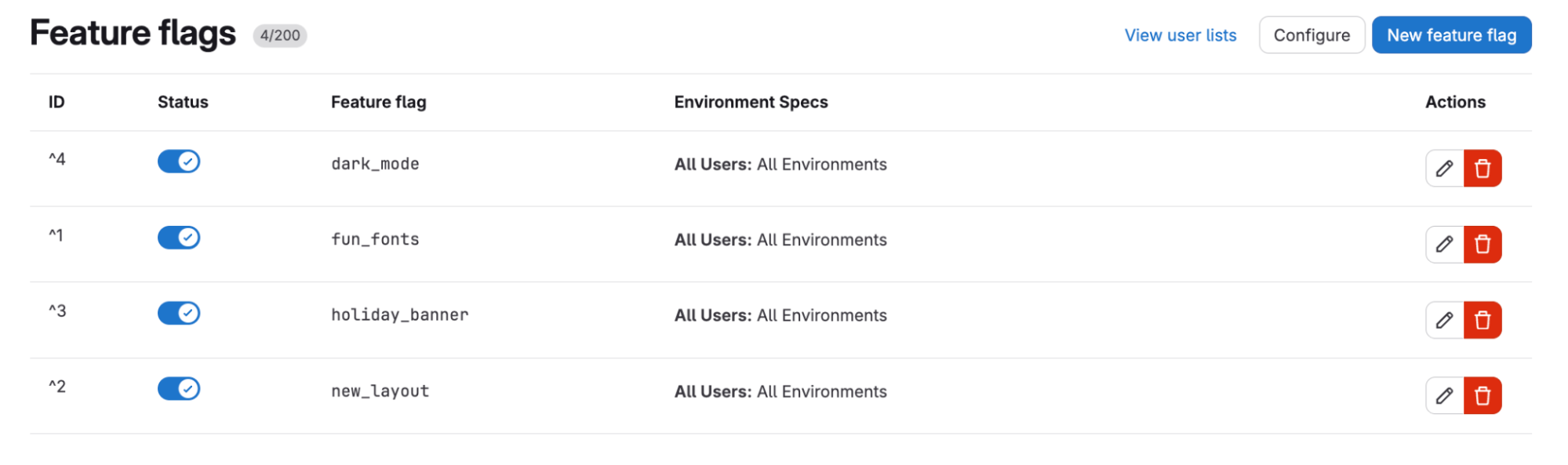
Enable feature flags in GitLab project Settings > General.
Why It Matters
Empowers developers to test features with subsets of users, minimizing production risks. Valuable for AI teams rolling out model updates or experiments without full redeploys.
What To Do Next
Fork https://gitlab.com/omid-blogs/gitlab-feature-flags-demo and add flags to your Flask app.
Who should care:Developers & AI Engineers
Key Points
- •Enable feature flags in GitLab project Settings > General.
- •Fork and clone gitlab.com/omid-blogs/gitlab-feature-flags-demo repo.
- •Use Unleash Python SDK for local flag evaluation after 15s refresh.
- •Supports strategies like User IDs or percentage rollouts.
📰
Weekly AI Recap
Read this week's curated digest of top AI events →
👉Related Updates
AI-curated news aggregator. All content rights belong to original publishers.
Original source: GitLab Blog ↗
This is a summary, not the original. Read the source, or get the weekly briefing.
The weekly digest
One email a week. Unsubscribe anytime.