Copilot Agent Mode Launches in Office Apps
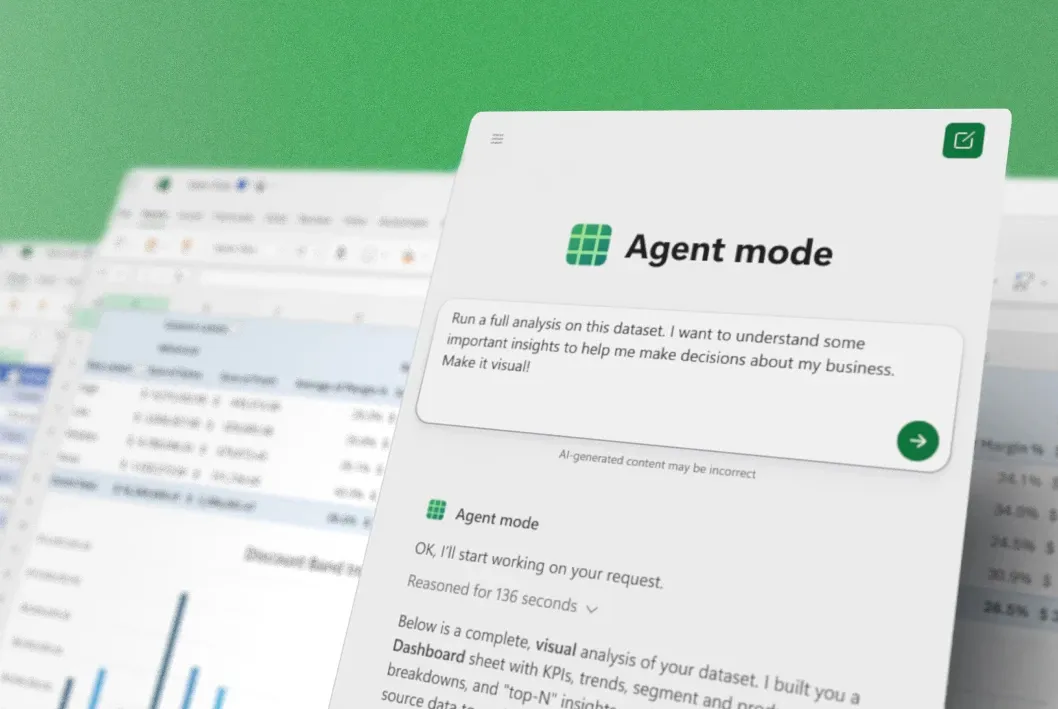
💡Copilot's new agent mode transforms Office into AI productivity powerhouse
⚡ 30-Second TL;DR
What Changed
Agent Mode debuts in Word, Excel, PowerPoint
Why It Matters
Streamlines AI-assisted workflows in everyday Office tools, boosting productivity for teams integrating AI into document and data tasks.
What To Do Next
Activate Copilot Agent Mode in Excel to automate data analysis workflows immediately.
Key Points
- •Agent Mode debuts in Word, Excel, PowerPoint
- •Default for Microsoft 365 Copilot subscribers
- •Extends to personal/family Microsoft 365 users
- •Enhances enterprise 'vibe working' productivity
🧠 Deep Insight
AI-generated analysis for this event — not the original article.
🔑 Enhanced Key Takeaways
- •Agent Mode leverages a new 'Autonomous Orchestration Layer' that allows Copilot to execute multi-step workflows across applications without requiring constant user prompts for every sub-task.
- •The transition from 'vibe working' to 'Agent Mode' signifies a shift from reactive document assistance to proactive task completion, utilizing persistent memory to maintain context across sessions.
- •Microsoft has integrated enhanced security guardrails specifically for Agent Mode, requiring explicit user authorization for agents to perform actions that modify external data or send communications.
📊 Competitor Analysis▸ Show
| Feature | Microsoft Copilot Agent Mode | Google Gemini for Workspace | Claude (Anthropic) Projects |
|---|---|---|---|
| Core Focus | Cross-app autonomous workflows | Integrated generative assistance | Context-aware project collaboration |
| Pricing | Included in M365 Copilot/Premium | Gemini Business/Enterprise add-on | Claude Pro/Team subscription |
| Benchmarks | High (Deep M365 integration) | High (Google ecosystem integration) | High (Reasoning/Coding capability) |
🛠️ Technical Deep Dive
- •Architecture: Built on a multi-agent framework where a 'Controller' model manages task decomposition and delegates sub-tasks to specialized 'Worker' agents optimized for specific Office apps.
- •Orchestration: Utilizes a new API layer that enables cross-application state persistence, allowing an agent to carry context from a Word document analysis directly into an Excel data visualization task.
- •Memory Management: Implements a tiered memory system (Short-term session context + Long-term user preference storage) to reduce redundant prompting and improve task continuity.
- •Security: Employs a 'Human-in-the-loop' (HITL) verification protocol for high-impact actions, requiring user approval via a secure UI overlay before the agent executes external API calls.
🔮 Future ImplicationsAI analysis grounded in cited sources
⏳ Timeline
Weekly AI Recap
Read this week's curated digest of top AI events →
👉Related Updates
AI-curated news aggregator. All content rights belong to original publishers.
Original source: cnBeta (Full RSS) ↗
This is a summary, not the original. Read the source, or get the weekly briefing.
The weekly digest
One email a week. Unsubscribe anytime.