ChatGPT iPhone Shortcut Surfaces Recent Photos
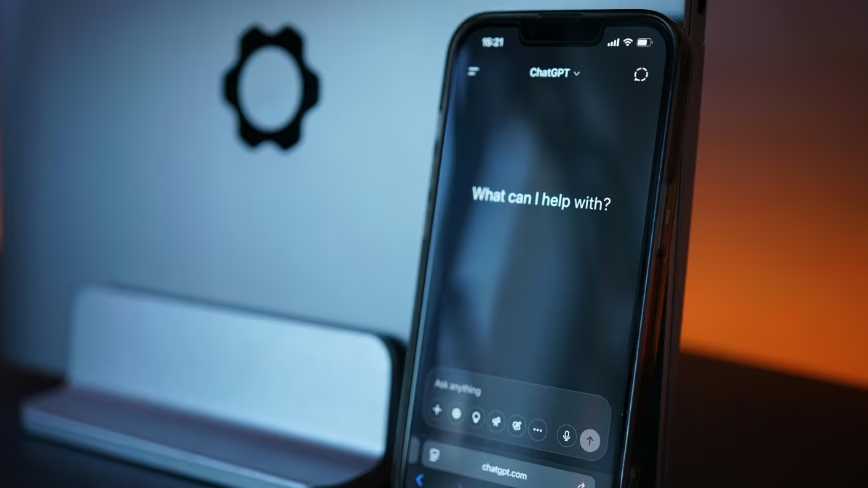
💡A tiny iPhone shortcut removes friction from ChatGPT’s most common visual-input workflow.
⚡ 30-Second TL;DR
What Changed
Long-pressing the plus button in ChatGPT for iPhone surfaces the user’s four most recent photos.
Why It Matters
The change improves ChatGPT’s mobile image-input flow and may increase the frequency of photo-based interactions. It also strengthens OpenAI’s position in an iPhone experience where some Apple visual features are restricted in the EU.
What To Do Next
Test the long-press photo picker in the latest ChatGPT iPhone app and update your mobile image-upload workflow documentation accordingly.
Key Points
- •Long-pressing the plus button in ChatGPT for iPhone surfaces the user’s four most recent photos.
- •The shortcut removes two taps from a common image-attachment workflow.
- •The update arrives while Apple’s camera and visual-assistant features remain unavailable on iPhone in the EU.
Weekly AI Recap
Read this week's curated digest of top AI events →
👉Related Updates

AI-curated news aggregator. All content rights belong to original publishers.
Original source: The Next Web (TNW) ↗
This is a summary, not the original. Read the source, or get the weekly briefing.
Weekly AI briefing
One email a week. Unsubscribe anytime.