ChatGPT Adds Apple Messages Integration on Mac

💡ChatGPT can now incorporate Mac Messages context, creating new automation opportunities—and privacy risks.
⚡ 30-Second TL;DR
What Changed
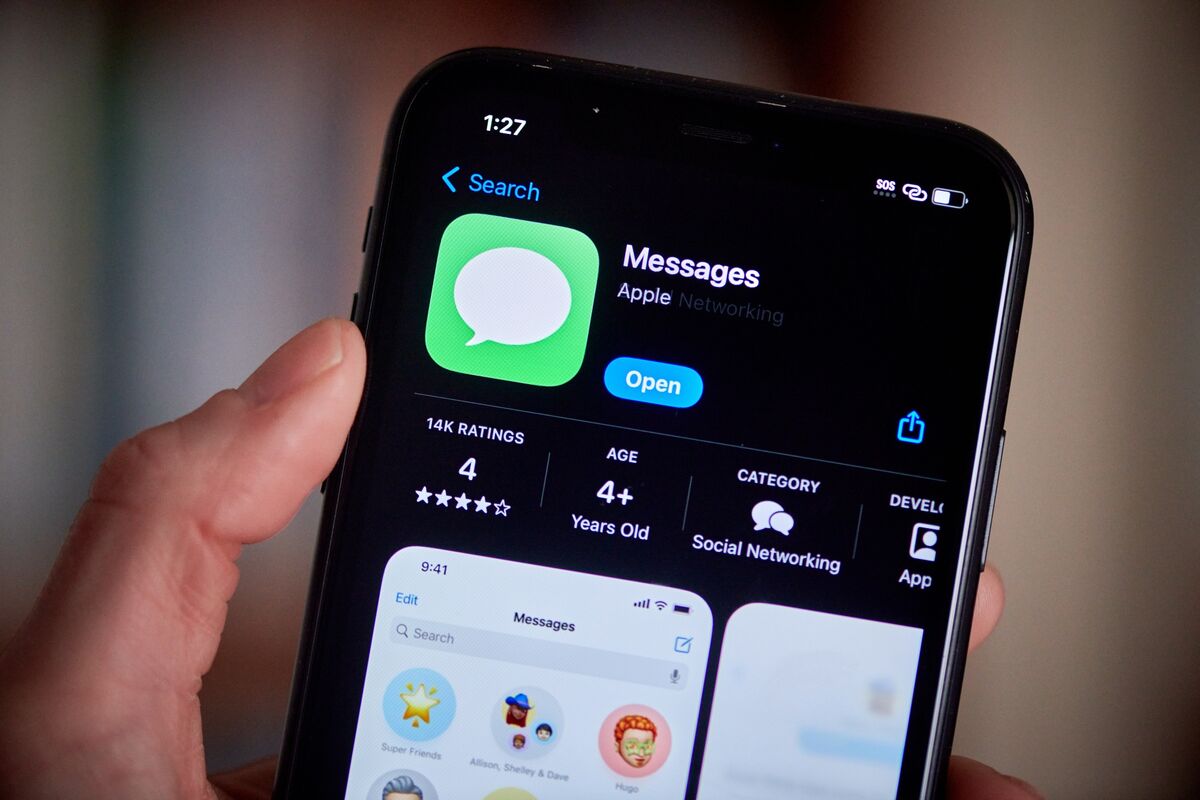
The ChatGPT Mac app now supports Apple Messages integration.
Why It Matters
The integration may make ChatGPT more useful for summarizing, drafting, or reasoning over message-based context. It also raises important privacy, consent, and data-governance questions when AI tools process personal conversations.
What To Do Next
Install the latest ChatGPT Mac update in a test environment and audit its Apple Messages permissions before enabling it for sensitive conversations.
Key Points
- •The ChatGPT Mac app now supports Apple Messages integration.
- •Users can bring conversations from Apple Messages into ChatGPT.
- •The update connects personal messaging workflows with an AI assistant.
🧠 Deep Insight
Background and context from public sources — not the original article. 18 sources cited.
🔑 Enhanced Key Takeaways
- •The Apple Messages integration is available across all ChatGPT plans (free, Pro, Business, Enterprise) but is specifically functional within the ChatGPT Work and Codex modes of the desktop app, not in regular ChatGPT chats.
- •This feature enables ChatGPT to read, search, prepare, and send messages across iMessage, SMS, and RCS formats directly from the Mac.
- •By default, sending messages via ChatGPT requires explicit user approval for each message and its recipients, although users can opt for persistent approval for specific chats, a setting OpenAI advises caution with due to associated risks.
- •The Apple Messages plugin is currently exclusive to Apple silicon Macs (arm64 build), meaning it is not supported on Intel-based macOS devices.
- •This integration is part of OpenAI's broader strategy to evolve ChatGPT into a more comprehensive desktop assistant, complementing other features like 'Computer History,' which tracks user activity across selected apps and websites for enhanced context.
🛠️ Technical Deep Dive
- The integration is implemented as an "Apple Messages plugin" within the ChatGPT desktop application for macOS.
- It allows ChatGPT Work and Codex to access and manipulate iMessage, SMS, and RCS conversations directly through Apple's Messages app.
- Message sending is consent-gated, requiring user approval for each message and its recipients by default, with an option for persistent approval that carries documented risks.
- The plugin's functionality is restricted to Apple silicon Macs (arm64 architecture).
- It does not support remote interaction with ChatGPT via Messages and is not available in standard ChatGPT chat interfaces.
- This "native integration" suggests a deeper system-level access than what is typically available through Apple's public Messages for Business APIs, which have limitations for general-purpose agent conversations, particularly regarding outbound messaging and proactive notifications.
🔮 Future ImplicationsAI analysis grounded in cited sources
⏳ Timeline
📎 Sources (18)
Factual claims are grounded in the sources below. Forward-looking analysis is AI-generated interpretation.
Weekly AI Recap
Read this week's curated digest of top AI events →
👉Related Updates


AI-curated news aggregator. All content rights belong to original publishers.
Original source: Digital Trends ↗
This is a summary, not the original. Read the source, or get the weekly briefing.
Weekly AI briefing
One email a week. Unsubscribe anytime.