Apple iOS 26.4 RC Adds Liquid Glass Dimming
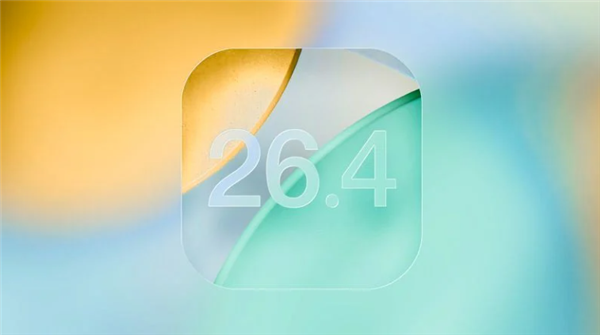
💡iOS UI tweak affects mobile AI app devs on Apple silicon—test for Core ML integration impacts.
⚡ 30-Second TL;DR
What Changed
RC candidate version pushed to developers and beta testers
Why It Matters
Boosts iOS inclusivity for light-sensitive users, potentially reducing complaints and improving app retention on Apple platforms.
What To Do Next
Enroll in Apple Beta Software Program to test iOS 26.4 RC UI changes for Core ML app compatibility.
Key Points
- •RC candidate version pushed to developers and beta testers
- •Public release scheduled for next week
- •New accessibility option to dim bright UI highlights
- •Targets liquid glass button flashing issues
🧠 Deep Insight
Background and context from public sources — not the original article. 7 sources cited.
🔑 Enhanced Key Takeaways
- •The 'Reduce Bright Effects' toggle is located in Settings > Accessibility > Display & Text Size and specifically minimizes highlighting and flashing on interactive elements like buttons and keyboards.[1]
- •Prior to iOS 26.4, users could partially mitigate Liquid Glass effects using existing options like 'Tinted' mode under Display & Brightness or Accessibility settings such as Reduce Transparency, Increase Contrast, and Reduce Motion.[5]
- •iOS 26.4 expands Liquid Glass customization by allowing adjustments to opacity and intensity specifically on the lock screen, enabling shifts from full transparency to frosted glass.[2]
🔮 Future ImplicationsAI analysis grounded in cited sources
⏳ Timeline
📎 Sources (7)
Factual claims are grounded in the sources below. Forward-looking analysis is AI-generated interpretation.
Weekly AI Recap
Read this week's curated digest of top AI events →
👉Related Updates


AI-curated news aggregator. All content rights belong to original publishers.
Original source: cnBeta (Full RSS) ↗
This is a summary, not the original. Read the source, or get the weekly briefing.
Weekly AI briefing
One email a week. Unsubscribe anytime.