Raspberry Pi 5 正式擁抱 OpenClaw
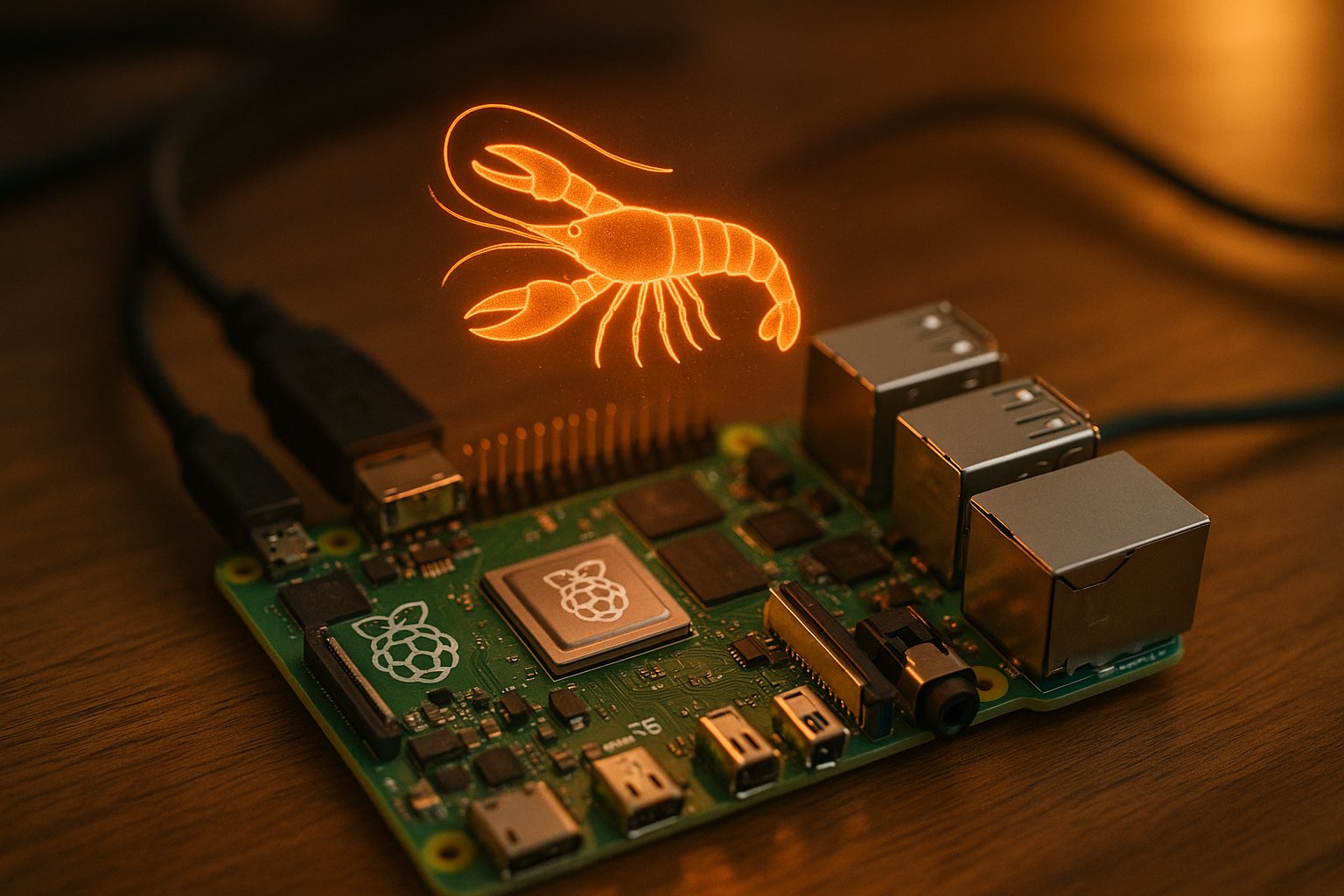
💡$80 Pi 5 + official OpenClaw guide = cheapest always-on AI agent for edge experiments.
⚡ 30-Second TL;DR
有什麼變化
Raspberry Pi 基金會發布 Pi 5 的官方 OpenClaw 指南
為什麼重要
降低邊緣 AI 代理在平價硬體上的進入門檻,適合開發者和創客實驗常開 AI。提升 OpenClaw 在如相片亭等真實示範中的採用率。
下一步行動
Follow Raspberry Pi Foundation's official guide to deploy OpenClaw on your Pi 5 for an edge AI agent.
關鍵要點
- •Raspberry Pi 基金會發布 Pi 5 的官方 OpenClaw 指南
- •包含婚禮相片亭示範應用
- •Adafruit 和 Medium 部落客分享報導與設定
- •在單板電腦上實現 80 美元常開 AI 代理
🧠 深度解析
背景與延伸:來自公開資料,非原文內容。引用 8 個來源。
🔑 增強重點摘要
- •OpenClaw, released in January 2026, is an open-source self-hosted AI agent that runs on low-power hardware like Raspberry Pi 5 with 8GB RAM, enabling integrations with hardware such as TFT displays, sensors, USB cameras, and NeoPixels[1].
- •Adafruit provides a detailed setup guide for OpenClaw on Raspberry Pi 5, including speech capabilities via eSpeak TTS and Whisper Small STT, and warns about token usage and security risks like limiting API keys[1].
- •Raspberry Pi Foundation has published an official guide for running OpenClaw on Pi 5, demonstrated with a wedding photo booth application, making it the cheapest $80 always-on AI agent option[article].
- •OpenClaw uses a hub-and-spoke architecture with a Gateway control plane, CLI tools for management, and supports tool execution like bash commands in Docker sandboxes and browser automation via Chromium[2].
- •It integrates with messaging apps like WhatsApp, Discord, and others, runs on various hardware including Raspberry Pi 4/5, Mac Mini, VPS, and even ESP32-S3, with configuration in JSON5 format[2][5][8].
📊 競品分析▸ Show
| Feature | OpenClaw on Raspberry Pi 5 | Goose on RPI |
|---|---|---|
| Hardware | Pi 5 8GB RAM, $80 setup | Raspberry Pi (unspecified) |
| Architecture | Hub-and-spoke Gateway, Pi runtime, Docker sandbox | Subagents, HTTP client, Discord integration |
| Integrations | WhatsApp, Discord, GitHub, Home Assistant, hardware sensors | Discord with allowlist/approval, no native hardware mentioned |
| Pricing | Free software + $80 hardware + API tokens | Free software + RPI hardware |
| Security | Sandboxing, no elevated privs recommended | Allowlist, tool approval flow |
🛠️ 技術深入
- Architecture: Hub-and-spoke model with central Gateway as control plane; CLI via Commander.js (e.g.,
openclaw gateway,openclaw agent); phases include context building, model invocation (streams to providers like Claude Opus), tool execution (bash in Docker, Chromium browser)[2]. - Data Storage: Config at
~/.openclaw/openclaw.json(JSON5); layered overrides with env vars; skills use frontmatter with requirements likeghCLI for GitHub[2][4]. - Pi 5 Setup: 8GB RAM required; hardware access for TFT display, temp/pressure sensor, USB camera, NeoPixels; eSpeak TTS, Whisper Small STT; remote 'thinking' to API models[1].
- Sandboxing: Docker-based for non-main sessions; config options for mode, scope, workspace access (e.g., ro)[4].
- Extensions: Hot-reloading, tree-based sessions, todos/files/review commands; no native MCP but via mcporter CLI[3].
🔮 前景展望AI analysis grounded in cited sources
OpenClaw on Raspberry Pi 5 democratizes always-on AI agents, enabling $80 physical-world interacting bots for photo booths, home automation, and coding assistance, potentially accelerating edge AI adoption on SBCs while highlighting security challenges like token burn and sandboxing needs.
⏳ 時間線
📎 來源 (8)
Factual claims are grounded in the sources below. Forward-looking analysis is AI-generated interpretation.
- learn.adafruit.com — Openclaw on Raspberry Pi
- ppaolo.substack.com — Openclaw System Architecture Overview
- lucumr.pocoo.org — Pi
- datacamp.com — Moltbot Clawdbot Tutorial
- yu-wenhao.com — 2026 02 01 Openclaw Deploy Cost Guide
- block.github.io — Rpi Openclaw Alternative
- contabo.com — What Is Openclaw Self Hosted AI Agent Guide
- GitHub — Awesome Openclaw
AI 週報
閱讀本週精選 AI 大事摘要 →
👉相關動態
AI 策展新聞聚合。所有內容版權歸原始發布者所有。
原始來源: OpenClaw.report ↗
每週 AI 簡報
每週一封,可隨時退訂。