Raspberry Pi 5 Officially Embraces OpenClaw
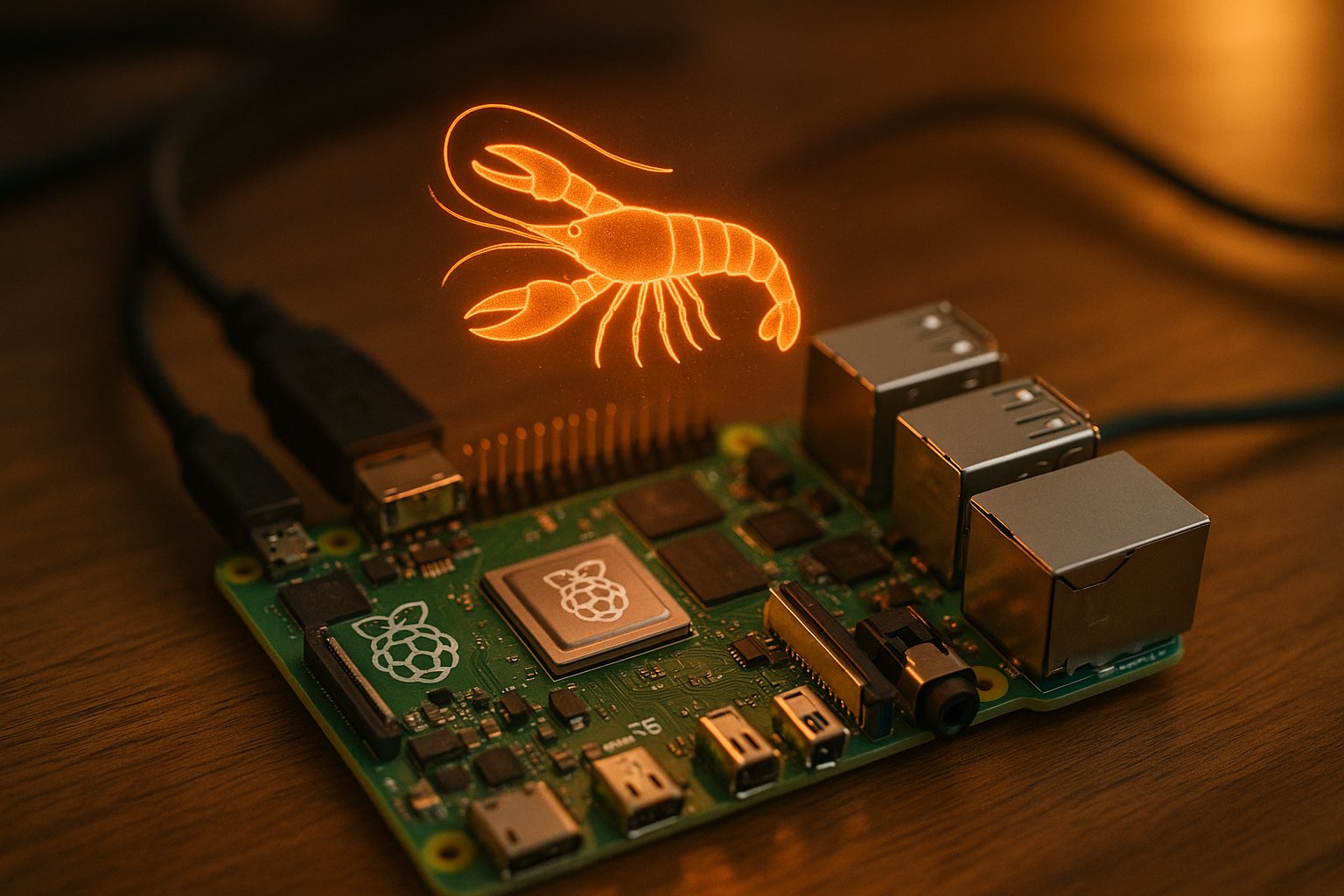
💡$80 Pi 5 + official OpenClaw guide = cheapest always-on AI agent for edge experiments.
⚡ 30-Second TL;DR
What Changed
Raspberry Pi Foundation released official OpenClaw guide for Pi 5
Why It Matters
Lowers entry barrier for edge AI agents on affordable hardware, ideal for developers and hobbyists experimenting with always-on AI. Boosts OpenClaw adoption in real-world demos like photo booths.
What To Do Next
Follow Raspberry Pi Foundation's official guide to deploy OpenClaw on your Pi 5 for an edge AI agent.
Key Points
- •Raspberry Pi Foundation released official OpenClaw guide for Pi 5
- •Features wedding photo booth demo application
- •Adafruit and Medium bloggers sharing coverage and setups
- •Creates $80 always-on AI agent on single-board computer
🧠 Deep Insight
Background and context from public sources — not the original article. 8 sources cited.
🔑 Enhanced Key Takeaways
- •OpenClaw, released in January 2026, is an open-source self-hosted AI agent that runs on low-power hardware like Raspberry Pi 5 with 8GB RAM, enabling integrations with hardware such as TFT displays, sensors, USB cameras, and NeoPixels[1].
- •Adafruit provides a detailed setup guide for OpenClaw on Raspberry Pi 5, including speech capabilities via eSpeak TTS and Whisper Small STT, and warns about token usage and security risks like limiting API keys[1].
- •Raspberry Pi Foundation has published an official guide for running OpenClaw on Pi 5, demonstrated with a wedding photo booth application, making it the cheapest $80 always-on AI agent option[article].
- •OpenClaw uses a hub-and-spoke architecture with a Gateway control plane, CLI tools for management, and supports tool execution like bash commands in Docker sandboxes and browser automation via Chromium[2].
- •It integrates with messaging apps like WhatsApp, Discord, and others, runs on various hardware including Raspberry Pi 4/5, Mac Mini, VPS, and even ESP32-S3, with configuration in JSON5 format[2][5][8].
📊 Competitor Analysis▸ Show
| Feature | OpenClaw on Raspberry Pi 5 | Goose on RPI |
|---|---|---|
| Hardware | Pi 5 8GB RAM, $80 setup | Raspberry Pi (unspecified) |
| Architecture | Hub-and-spoke Gateway, Pi runtime, Docker sandbox | Subagents, HTTP client, Discord integration |
| Integrations | WhatsApp, Discord, GitHub, Home Assistant, hardware sensors | Discord with allowlist/approval, no native hardware mentioned |
| Pricing | Free software + $80 hardware + API tokens | Free software + RPI hardware |
| Security | Sandboxing, no elevated privs recommended | Allowlist, tool approval flow |
🛠️ Technical Deep Dive
- Architecture: Hub-and-spoke model with central Gateway as control plane; CLI via Commander.js (e.g.,
openclaw gateway,openclaw agent); phases include context building, model invocation (streams to providers like Claude Opus), tool execution (bash in Docker, Chromium browser)[2]. - Data Storage: Config at
~/.openclaw/openclaw.json(JSON5); layered overrides with env vars; skills use frontmatter with requirements likeghCLI for GitHub[2][4]. - Pi 5 Setup: 8GB RAM required; hardware access for TFT display, temp/pressure sensor, USB camera, NeoPixels; eSpeak TTS, Whisper Small STT; remote 'thinking' to API models[1].
- Sandboxing: Docker-based for non-main sessions; config options for mode, scope, workspace access (e.g., ro)[4].
- Extensions: Hot-reloading, tree-based sessions, todos/files/review commands; no native MCP but via mcporter CLI[3].
🔮 Future ImplicationsAI analysis grounded in cited sources
OpenClaw on Raspberry Pi 5 democratizes always-on AI agents, enabling $80 physical-world interacting bots for photo booths, home automation, and coding assistance, potentially accelerating edge AI adoption on SBCs while highlighting security challenges like token burn and sandboxing needs.
⏳ Timeline
📎 Sources (8)
Factual claims are grounded in the sources below. Forward-looking analysis is AI-generated interpretation.
- learn.adafruit.com — Openclaw on Raspberry Pi
- ppaolo.substack.com — Openclaw System Architecture Overview
- lucumr.pocoo.org — Pi
- datacamp.com — Moltbot Clawdbot Tutorial
- yu-wenhao.com — 2026 02 01 Openclaw Deploy Cost Guide
- block.github.io — Rpi Openclaw Alternative
- contabo.com — What Is Openclaw Self Hosted AI Agent Guide
- GitHub — Awesome Openclaw
Weekly AI Recap
Read this week's curated digest of top AI events →
👉Related Updates
AI-curated news aggregator. All content rights belong to original publishers.
Original source: OpenClaw.report ↗
This is a summary, not the original. Read the source, or get the weekly briefing.
Weekly AI briefing
One email a week. Unsubscribe anytime.