Troubleshooting common issues in Samsung One UI 8.5
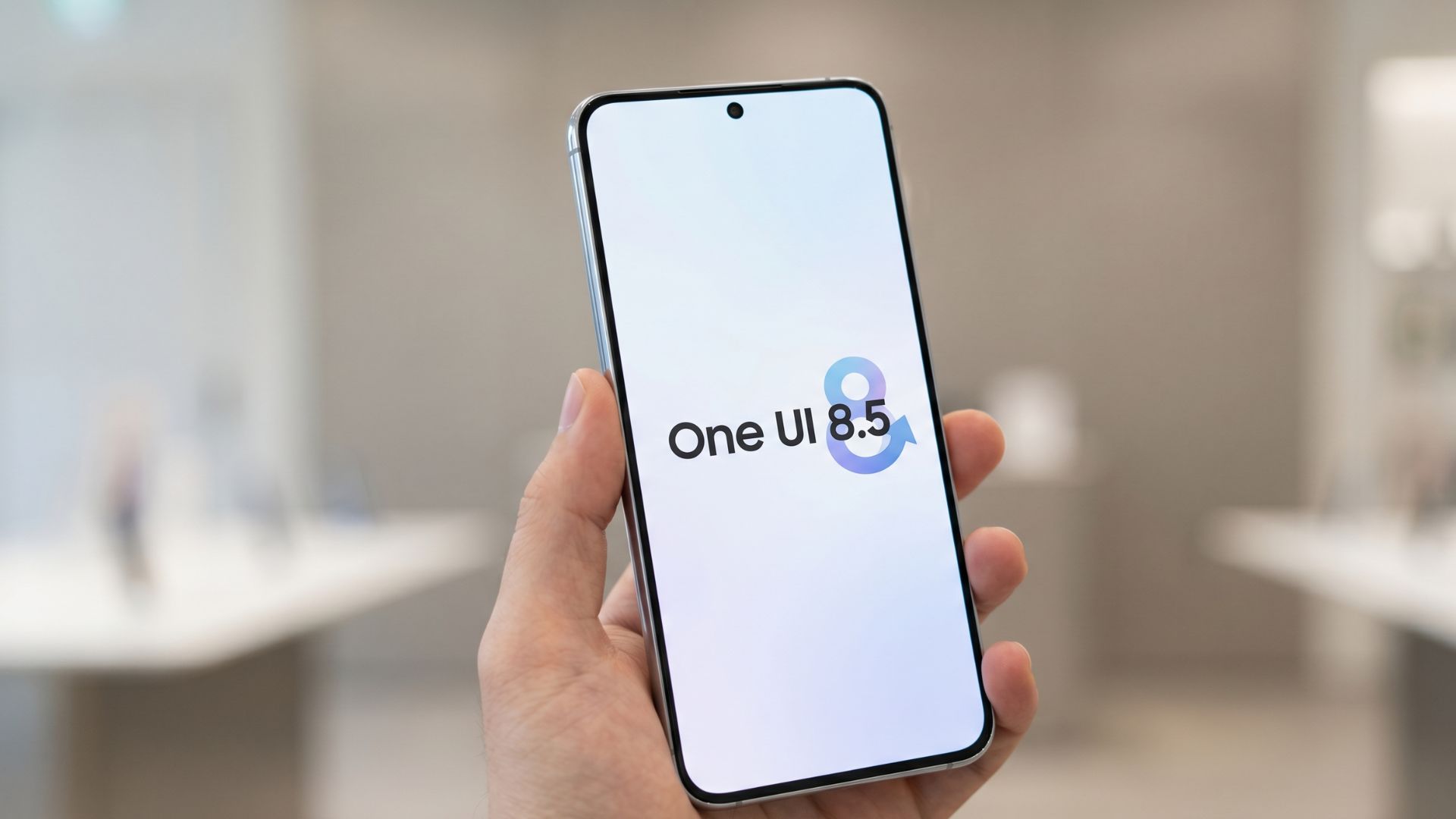
💡Essential for developers testing AI-integrated apps on Samsung hardware to ensure OS stability and performance.
⚡ 30-Second TL;DR
What Changed
Identify common post-update performance degradation
Why It Matters
Users may experience temporary battery drain or UI lag following the update. Proper cache management is essential to restore optimal device performance.
What To Do Next
If you are testing AI features on Samsung devices, clear your system cache partition after the One UI 8.5 update to ensure consistent benchmark results.
Key Points
- •Identify common post-update performance degradation
- •Standard troubleshooting steps for One UI stability
- •Managing system cache and background process optimization
🧠 Deep Insight
Web-grounded analysis with 4 cited sources.
🔑 Enhanced Key Takeaways
- •One UI 8.5 introduces a new "Ambient Design language" featuring layered translucency, adaptive blur elements, and smoother transitions, aiming for a more fluid and visually appealing user interface.
- •The update significantly enhances Galaxy AI capabilities, including an upgraded Photo Assist for continuous AI-powered editing, an Audio Eraser for videos, Creative Studio, and Call Screening features.
- •One UI 8.5 refines the Quick Settings panel with greater customization options, allowing users to resize and reposition individual tiles, and integrates a "Storage Share" feature for seamless file access across connected Galaxy devices.
- •A smarter Bixby is integrated into One UI 8.5, offering enhanced recommendations and question-answering capabilities, alongside a new partial screen recording functionality that can automatically detect and focus on specific content areas.
- •Notably, One UI 8.5 is built upon Android 16 QPR2, indicating Samsung's strategy to incorporate features and platform improvements from Google's quarterly platform releases more consistently.
🛠️ Technical Deep Dive
- One UI 8.5 is based on Android 16 QPR2, a notable departure from manufacturers often skipping Quarterly Platform Releases, suggesting a more current Android foundation.
- The new "Ambient Design language" incorporates layered translucency effects, adaptive blur elements, and cleaner transitions between apps and system menus, aiming for a softer and more dynamic visual experience.
- Galaxy AI features are deeply integrated, with enhancements to tools like Photo Assist, Audio Eraser, Creative Studio, and Call Screening, likely leveraging on-device neural processing units (NPUs) for efficiency.
- Security is bolstered by features like Knox Enhanced Encrypted Protection (KEEP), introduced in One UI 8, which creates encrypted, app-specific storage environments to safeguard sensitive data used by AI experiences.
- The updated Bixby suggests advanced natural language processing and contextual understanding for personalized assistance.
🔮 Future ImplicationsAI analysis grounded in cited sources
⏳ Timeline
📎 Sources (4)
Factual claims are grounded in the sources below. Forward-looking analysis is AI-generated interpretation.
Weekly AI Recap
Read this week's curated digest of top AI events →
👉Related Updates
AI-curated news aggregator. All content rights belong to original publishers.
Original source: TechCabal ↗