Set Up Coding Agents with One Command
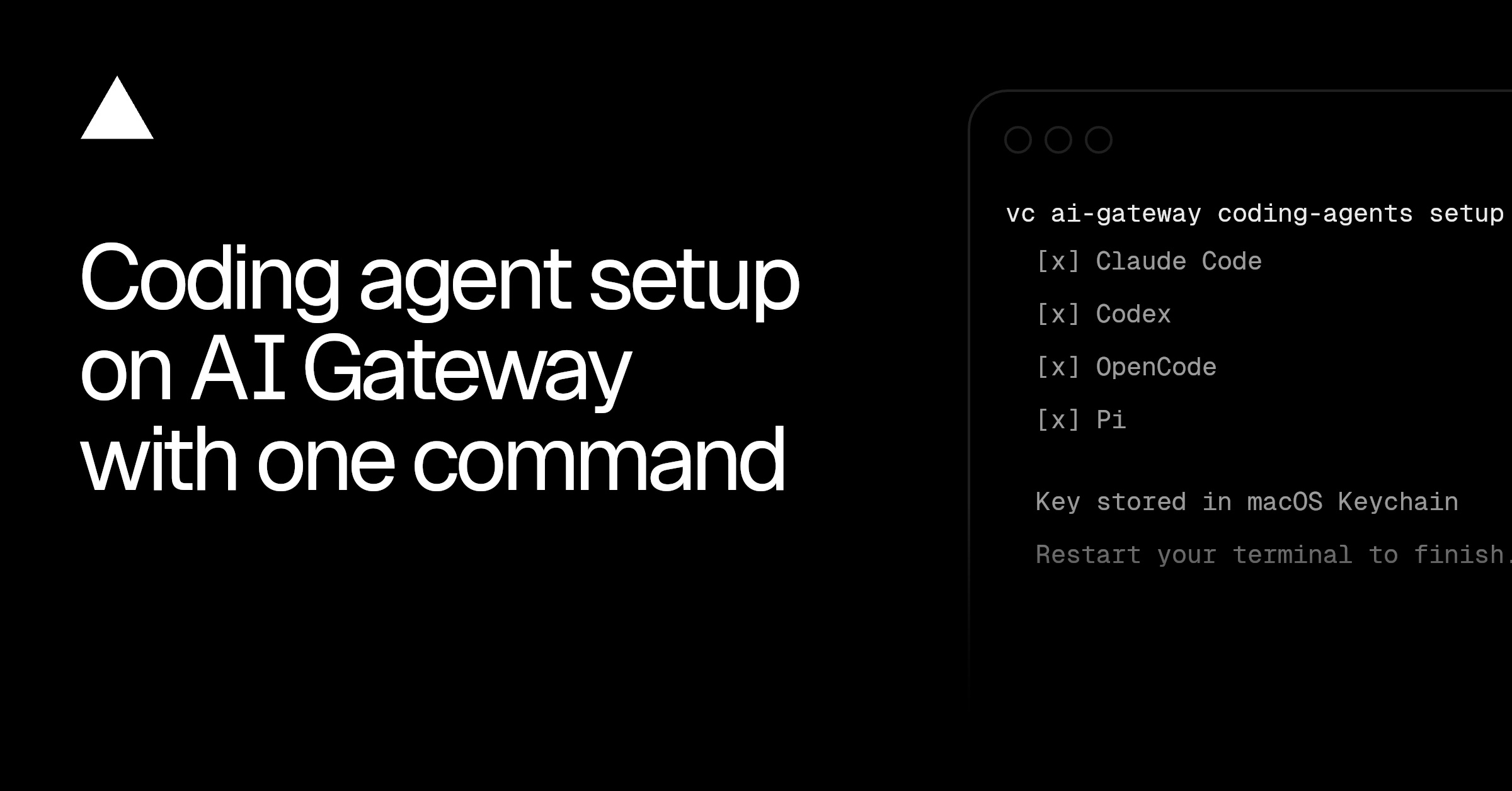
💡Connect nine coding agents to 200+ models while centralizing credentials, routing, observability, and spend controls.
⚡ 30-Second TL;DR
What Changed
The setup command detects supported agents, creates an API key, and writes gateway credentials into each agent’s native configuration format.
Why It Matters
This reduces the operational overhead of configuring multiple coding agents and gives engineering teams a single control plane for model access and spending. It may also make it easier to evaluate models across agents without changing each tool’s configuration manually.
What To Do Next
Run `vercel ai-gateway coding-agents setup --yes` in a test environment, then configure one supported agent to compare model routing, traces, and spend controls.
Key Points
- •The setup command detects supported agents, creates an API key, and writes gateway credentials into each agent’s native configuration format.
- •Coding agents can access more than 200 models through AI Gateway, including models they do not natively support, with automatic fallback routing.
- •A centralized dashboard provides traffic traces, model usage, token counts, costs, and spend controls.
- •Teams can enforce budgets, key expiration and resets, provider restrictions, and Zero Data Retention policies across agent requests.
🧠 Deep Insight
AI-generated analysis for this event.
🔑 Enhanced Key Takeaways
- •Vercel AI Gateway leverages a middleware architecture that intercepts agent-originated API calls to inject custom headers and routing logic without requiring modifications to the agent's core source code.
- •The integration supports dynamic model switching, allowing agents to bypass hardcoded provider limitations by translating requests into the OpenAI-compatible format expected by the Gateway.
- •Security features include granular rate limiting and PII masking, which can be applied globally to all connected coding agents to ensure compliance with enterprise data governance policies.
- •The 'one command' setup utilizes a CLI-based authentication flow that leverages Vercel's existing OAuth infrastructure to securely provision and inject environment variables into local .env or config files.
- •Vercel has introduced a 'Shadow Mode' for these agents, enabling developers to test new model configurations or fallback strategies on live traffic without impacting the primary agent execution path.
📊 Competitor Analysis▸ Show
| Feature | Vercel AI Gateway | Cloudflare AI Gateway | Helicone |
|---|---|---|---|
| Primary Focus | Frontend/DevOps Workflow | Edge/Global Latency | Observability/Analytics |
| Agent Integration | Native CLI Setup | API-based | Proxy-based |
| Pricing | Usage-based/Tiered | Usage-based | Tiered/Enterprise |
| Model Routing | Advanced Fallbacks | Basic Load Balancing | Request Transformation |
🛠️ Technical Deep Dive
- Architecture: Implemented as a high-performance proxy layer that sits between the coding agent and the LLM provider API endpoints.
- Protocol Support: Fully compatible with OpenAI SDK, Anthropic SDK, and generic REST/SSE (Server-Sent Events) streams used by modern coding agents.
- Authentication: Uses scoped API tokens that are automatically rotated based on the policy defined in the Vercel dashboard.
- Observability: Captures full request/response payloads, latency metrics, and token usage statistics via an asynchronous logging pipeline that does not block the main execution thread.
- Fallback Logic: Employs a deterministic priority queue system where the Gateway attempts to route to the primary model and automatically switches to a secondary provider if a 429 (Rate Limit) or 5xx (Server Error) is detected.
🔮 Future ImplicationsAI analysis grounded in cited sources
⏳ Timeline
Weekly AI Recap
Read this week's curated digest of top AI events →
👉Related Updates
AI-curated news aggregator. All content rights belong to original publishers.
Original source: Vercel News ↗