Meta AI Arrives on macOS with Screen Sharing
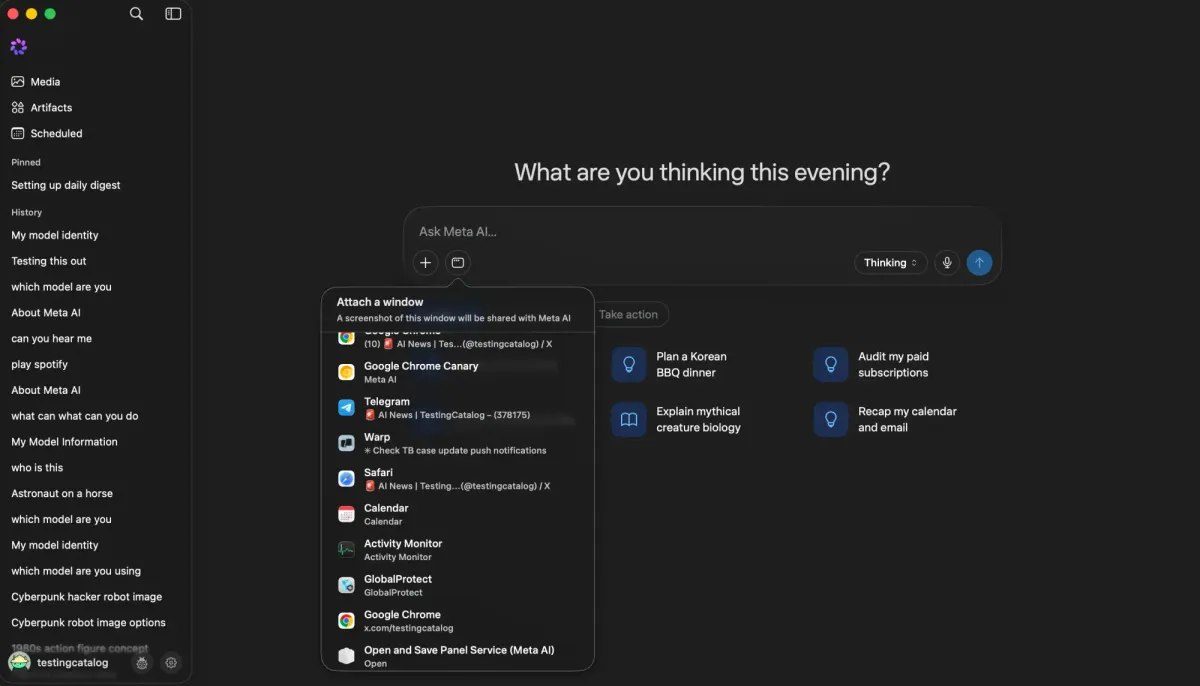
💡See how Meta AI’s new macOS app brings screen sharing and voice dictation into desktop workflows.
⚡ 30-Second TL;DR
What Changed
Meta AI is now available as a dedicated desktop app for macOS.
Why It Matters
The launch expands Meta AI from a primarily mobile and web experience into the desktop workflow. Screen sharing and voice dictation could make the assistant more useful for productivity and context-aware support, subject to regional availability and privacy considerations.
What To Do Next
Check whether the Meta AI macOS app is available in your region, then test screen sharing and voice dictation with non-sensitive data.
Key Points
- •Meta AI is now available as a dedicated desktop app for macOS.
- •The app supports screen sharing for AI-assisted desktop interactions.
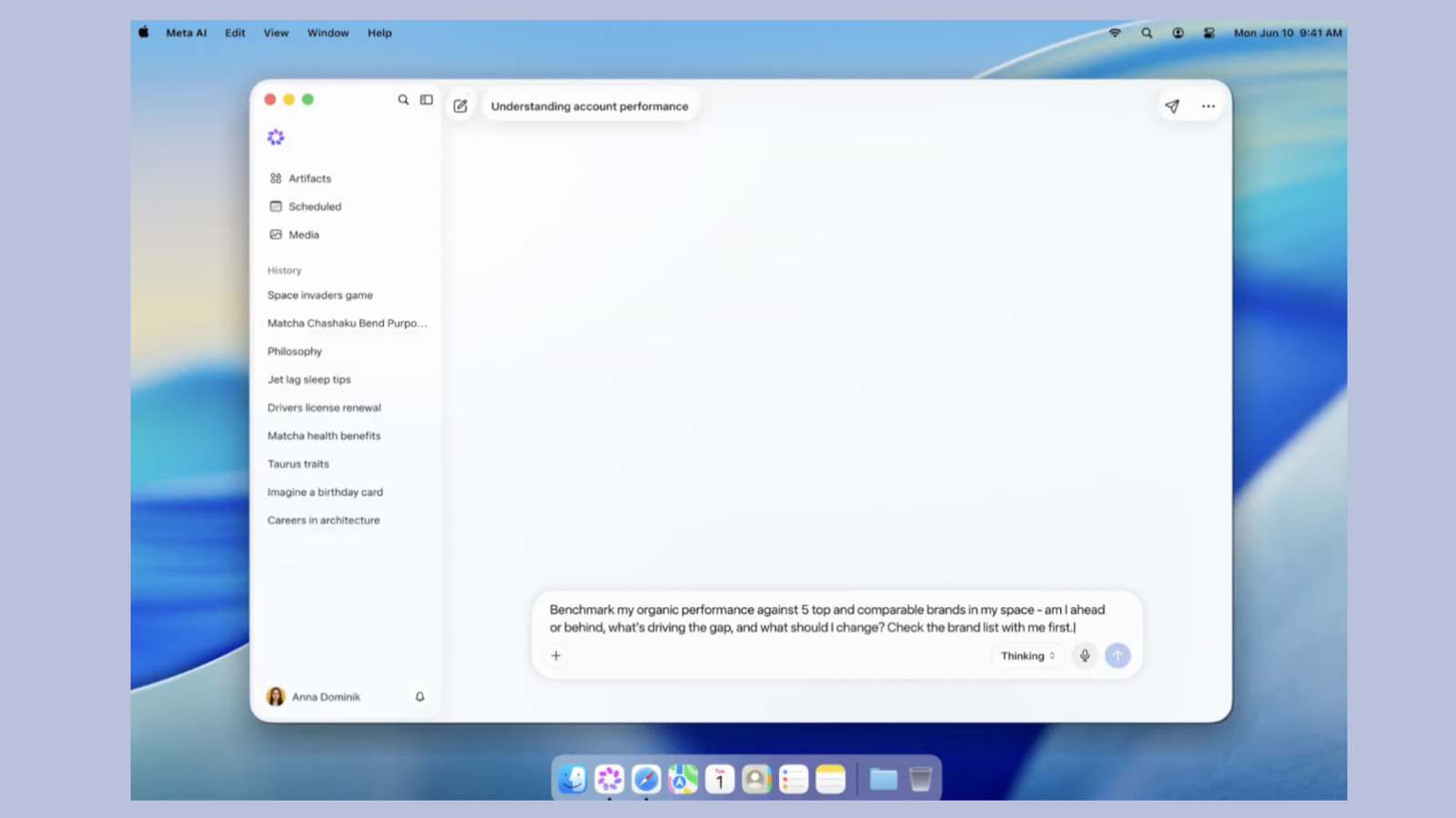
- •System-wide voice dictation is included in supported regions.
🧠 Deep Insight
AI-generated analysis for this event.
🔑 Enhanced Key Takeaways
- •The macOS application utilizes a native Swift-based architecture to minimize latency during real-time screen analysis compared to web-based wrappers.
- •Meta has implemented a 'Privacy-First' local processing layer that masks sensitive user data, such as passwords and financial information, before screen frames are sent to the cloud.
- •The integration leverages the Llama 3.3 multimodal model, allowing the AI to interpret UI elements, buttons, and text directly from the user's desktop environment.
- •Enterprise versions of the app include administrative controls that allow IT departments to disable screen sharing capabilities for compliance with data security policies.
- •The voice dictation feature utilizes Meta's latest Whisper-based speech-to-text engine, optimized for low-power consumption on Apple Silicon chips.
📊 Competitor Analysis▸ Show
| Feature | Meta AI (macOS) | OpenAI (ChatGPT Desktop) | Anthropic (Claude Desktop) |
|---|---|---|---|
| Screen Context | Real-time Screen Sharing | Screenshot Uploads | Screenshot Uploads |
| System Voice | System-wide Dictation | In-app Voice Mode | Limited |
| Architecture | Native Swift | Electron | Electron |
| Pricing | Free (Meta Account) | Free/Plus ($20/mo) | Free/Pro ($20/mo) |
🛠️ Technical Deep Dive
- The application utilizes the macOS ScreenCaptureKit framework to stream desktop frames to the Meta AI inference engine.
- Inference is handled via a hybrid approach where lightweight UI parsing occurs on-device, while complex reasoning tasks are offloaded to Meta's GPU clusters.
- The voice dictation pipeline uses a persistent background process that hooks into the macOS Audio Server to capture system-wide input.
- Security is enforced through an on-device obfuscation layer that detects and blurs sensitive input fields before transmission.
🔮 Future ImplicationsAI analysis grounded in cited sources
⏳ Timeline
Weekly AI Recap
Read this week's curated digest of top AI events →
👉Related Updates

AI-curated news aggregator. All content rights belong to original publishers.
Original source: TestingCatalog ↗