Docker Launches Gordon: AI Agent for Container Workflows
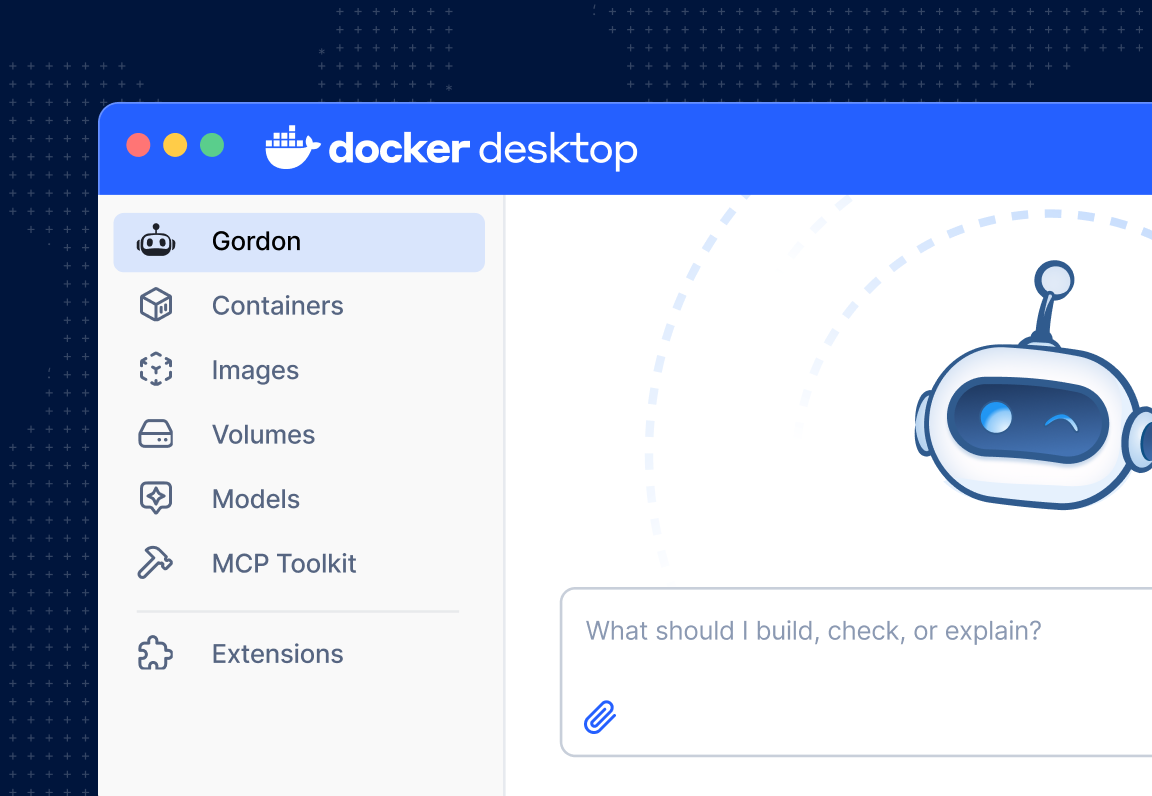
💡Docker's new AI agent automates container troubleshooting directly in your local development workflow.
⚡ 30-Second TL;DR
What Changed
Gordon is now generally available within the Docker Desktop environment.
Why It Matters
This integration reduces the cognitive load on developers when dealing with container orchestration errors. It signals a shift toward 'agentic' developer tools that actively participate in the debugging process rather than just providing documentation.
What To Do Next
Update your Docker Desktop to the latest version and test Gordon on a failing container build to evaluate its diagnostic accuracy.
Key Points
- •Gordon is now generally available within the Docker Desktop environment.
- •The agent analyzes local container environments to diagnose and propose specific fixes.
- •It streamlines developer productivity by automating troubleshooting and reducing review cycles.
🧠 Deep Insight
Web-grounded analysis with 9 cited sources.
🔑 Enhanced Key Takeaways
- •Gordon is a purpose-built AI agent, distinct from general-purpose AI assistants, with direct access to the user's shell, filesystem, Docker CLI, and Docker knowledge base, providing comprehensive context of the local environment.
- •Beyond diagnosing issues, Gordon can generate production-ready Dockerfiles with multi-stage builds, manage routine Docker operations conversationally, and optimize existing setups.
- •The agent operates on a client-server architecture, where a CLI client bundled with Docker Desktop handles local environment interactions, while the backend on Docker's servers orchestrates the underlying Large Language Model (LLM).
- •All actions proposed by Gordon, including executing shell commands or modifying files, require explicit user approval before execution, ensuring user control over the local environment.
- •Gordon is enabled by default for Docker Personal, Pro, and Team subscriptions, but Business subscribers must contact Docker Support and configure it via the Admin Console for organizational access.
🛠️ Technical Deep Dive
- Architecture: Gordon employs a client-server architecture. The client, a CLI bundled with Docker Desktop, runs on the user's machine and manages local access to the filesystem, shell, and Docker daemon. The backend, hosted on Docker's servers, is responsible for LLM orchestration.
- Core Capabilities: Gordon utilizes five core capabilities: specialized sub-agents for specific Docker tasks, shell access to execute commands, filesystem access to read and write files, a knowledge base of Docker documentation and best practices, and web access to fetch external resources.
- Sub-agent Structure: It uses a primary agent for general Docker operations, software development, and containerization, complemented by specialized sub-agents like the DHI (Docker Hardened Images) migration sub-agent for specific workflows.
- Tooling: Gordon leverages existing CLI tools (e.g.,
docker build,docker compose up,docker scout,kubectl,git) via shell access rather than building bespoke integrations for every Docker command. - Permission Model: All proposed actions, including shell command execution and file writing, require explicit user approval. Gordon operates with the user's permissions and cannot gain
sudoaccess unless explicitly granted. - Contextual Understanding: Users can define a working directory to scope Gordon's access, providing it with full context on project structure, dependencies, and existing Docker setups.
- Model Context Protocol (MCP) Integration: Gordon can function as both an MCP client and server, enabling interaction with other MCP-compatible clients (e.g., Claude Desktop, Cursor) and extending its capabilities to include Git operations, resource downloads, and Docker Scout security analysis.
- Development Evolution: Early iterations explored a multi-agent architecture with nine specialized sub-agents before transitioning to the current primary agent with specialized sub-agents. Prompt engineering was a critical aspect of its product development.
- Data Sources: Gordon's development benefited from data gathered from its v1 iteration, which powered Docker's documentation and support AI, providing insights into user intent and common debugging scenarios.
🔮 Future ImplicationsAI analysis grounded in cited sources
⏳ Timeline
📎 Sources (9)
Factual claims are grounded in the sources below. Forward-looking analysis is AI-generated interpretation.
Weekly AI Recap
Read this week's curated digest of top AI events →
👉Related Updates

AI-curated news aggregator. All content rights belong to original publishers.
Original source: Docker Blog ↗