🐙GitHub Blog•Stalecollected in 13m
Copilot CLI: Interactive vs Non-Interactive Modes
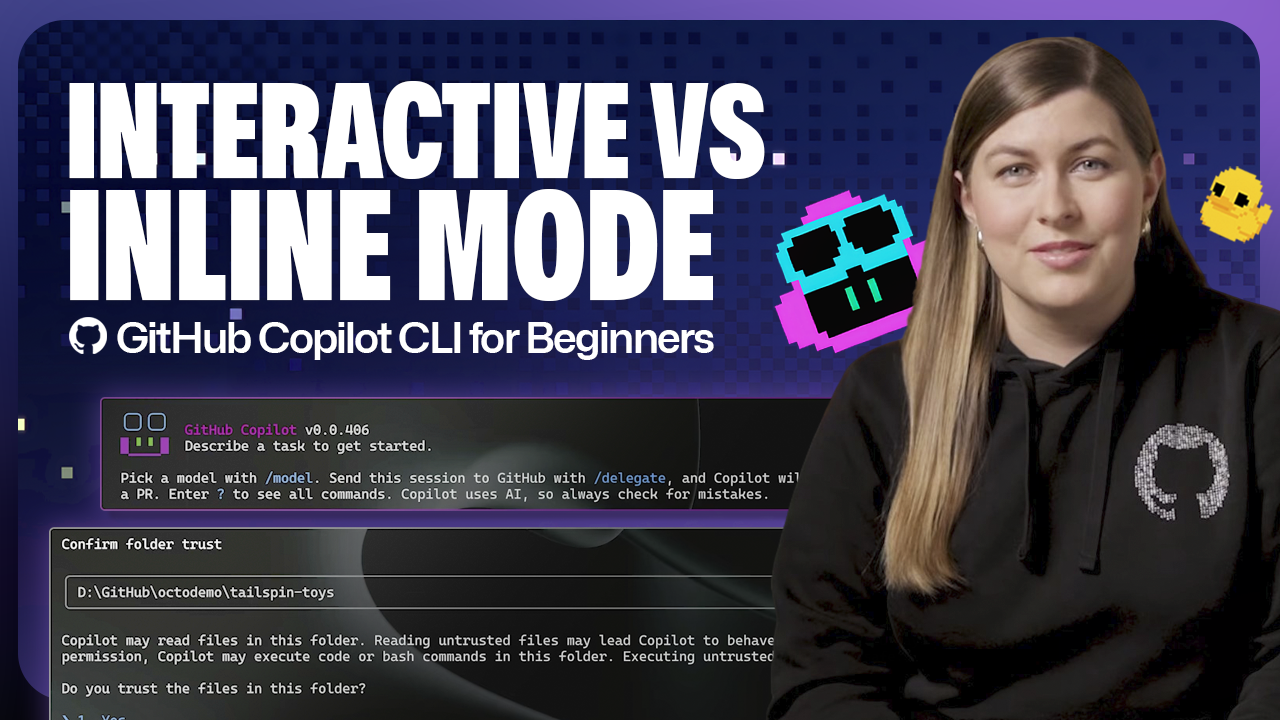
💡Unlock Copilot CLI modes for faster AI-powered terminal commands
⚡ 30-Second TL;DR
What Changed
Explains interactive mode for conversational CLI use
Why It Matters
Improves developer efficiency in terminal tasks with AI. Enables better mode selection for scripting vs real-time help. Minor but practical for daily coding.
What To Do Next
Run `gh extension install github/gh-copilot` to install and test interactive mode.
Who should care:Developers & AI Engineers
Key Points
- •Explains interactive mode for conversational CLI use
- •Details non-interactive mode for direct suggestions
- •Beginner guide to optimize GitHub Copilot CLI workflows
🧠 Deep Insight
AI-generated analysis for this event.
🔑 Enhanced Key Takeaways
- •GitHub Copilot CLI leverages natural language processing to translate user intent into executable shell commands, specifically targeting common tasks like file manipulation, network diagnostics, and git operations.
- •The tool integrates with the GitHub Copilot extension ecosystem, allowing it to share context and authentication tokens with other Copilot-enabled IDE plugins for a unified developer experience.
- •Security guardrails are implemented within the CLI to filter out potentially destructive commands, requiring explicit user confirmation before executing high-risk operations suggested by the AI.
📊 Competitor Analysis▸ Show
| Feature | GitHub Copilot CLI | Warp AI | Fig (Amazon Q) |
|---|---|---|---|
| Core Focus | Natural language to CLI | Integrated terminal AI | Autocomplete/CLI workflows |
| Pricing | Included in Copilot subscription | Freemium/Enterprise | Included in AWS Q |
| Benchmarks | High accuracy for Git/System | High speed/Low latency | High context awareness |
🛠️ Technical Deep Dive
- •Utilizes a specialized fine-tuned version of the OpenAI GPT-4o model optimized for shell syntax and command-line argument structures.
- •Implements a local context-gathering engine that scrapes shell history, current directory structure, and environment variables to provide context-aware suggestions.
- •Operates via a secure API gateway that anonymizes sensitive system paths and user-specific environment variables before sending prompts to the backend.
- •Supports shell-agnostic execution by wrapping generated commands in a safety layer that validates syntax against common shells like Bash, Zsh, and PowerShell.
🔮 Future ImplicationsAI analysis grounded in cited sources
Terminal-based AI will replace traditional man-page lookups.
The shift toward conversational CLI tools reduces the cognitive load of searching documentation by providing direct, context-aware command execution.
CLI tools will become the primary interface for infrastructure-as-code management.
As AI models improve in handling complex multi-step CLI workflows, developers will increasingly prefer natural language prompts over writing manual configuration scripts.
⏳ Timeline
2022-06
GitHub introduces GitHub Copilot for individuals.
2023-03
GitHub announces Copilot X, expanding AI capabilities to the CLI.
2024-05
General availability of GitHub Copilot CLI as part of the broader Copilot suite.
📰
Weekly AI Recap
Read this week's curated digest of top AI events →
👉Related Updates
AI-curated news aggregator. All content rights belong to original publishers.
Original source: GitHub Blog ↗